New in H2R Gear v2.13
Draw the room around your gear with new shapes, symbols and a drawing toolbar.
Read more →New in H2R Gear v2.13
Draw the room around your gear with new shapes, symbols and a drawing toolbar.
Read more →A text label allows you to add more information to your plan.

Text labels can be placed anywhere on your plan and can have a range of colours.
Text labels can have a few extra styling options applied.
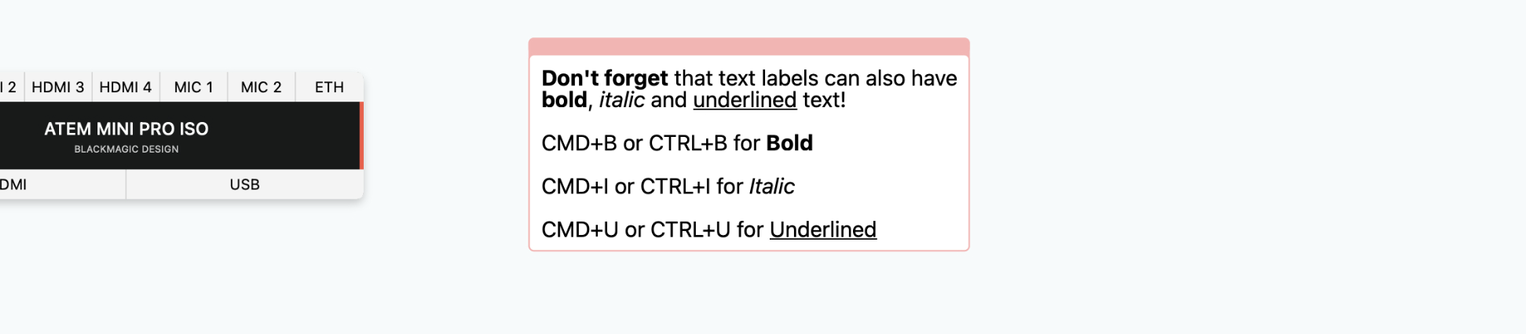
Here is a list of the currently supported options and the keyboard shortcut for each.
Additionally, you can add more styling with the style tool bar.
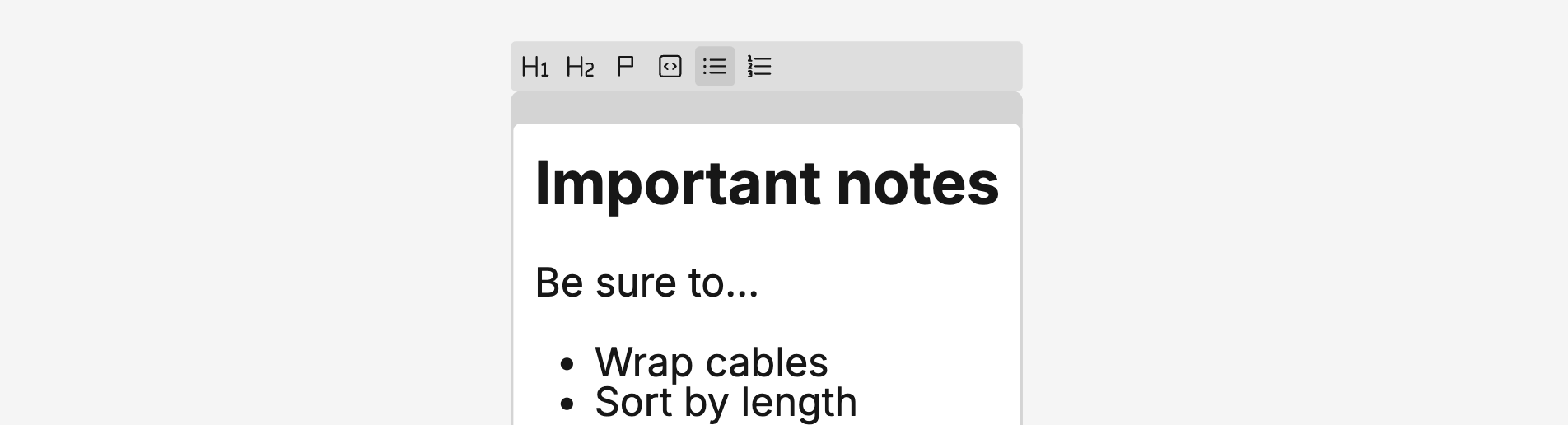
Styles include:
Use the trash icon at the bottom left of a text label to remove it from your plan.
Ready to get organised?
Start using H2R Gear to plan your next setup.
Get H2R Gear product updates
New features, templates and tips, straight to your inbox.
No spam. Unsubscribe any time.