New in H2R Gear v2.13
Draw the room around your gear with new shapes, symbols and a drawing toolbar.
Read more →New in H2R Gear v2.13
Draw the room around your gear with new shapes, symbols and a drawing toolbar.
Read more →Configure settings for your account.
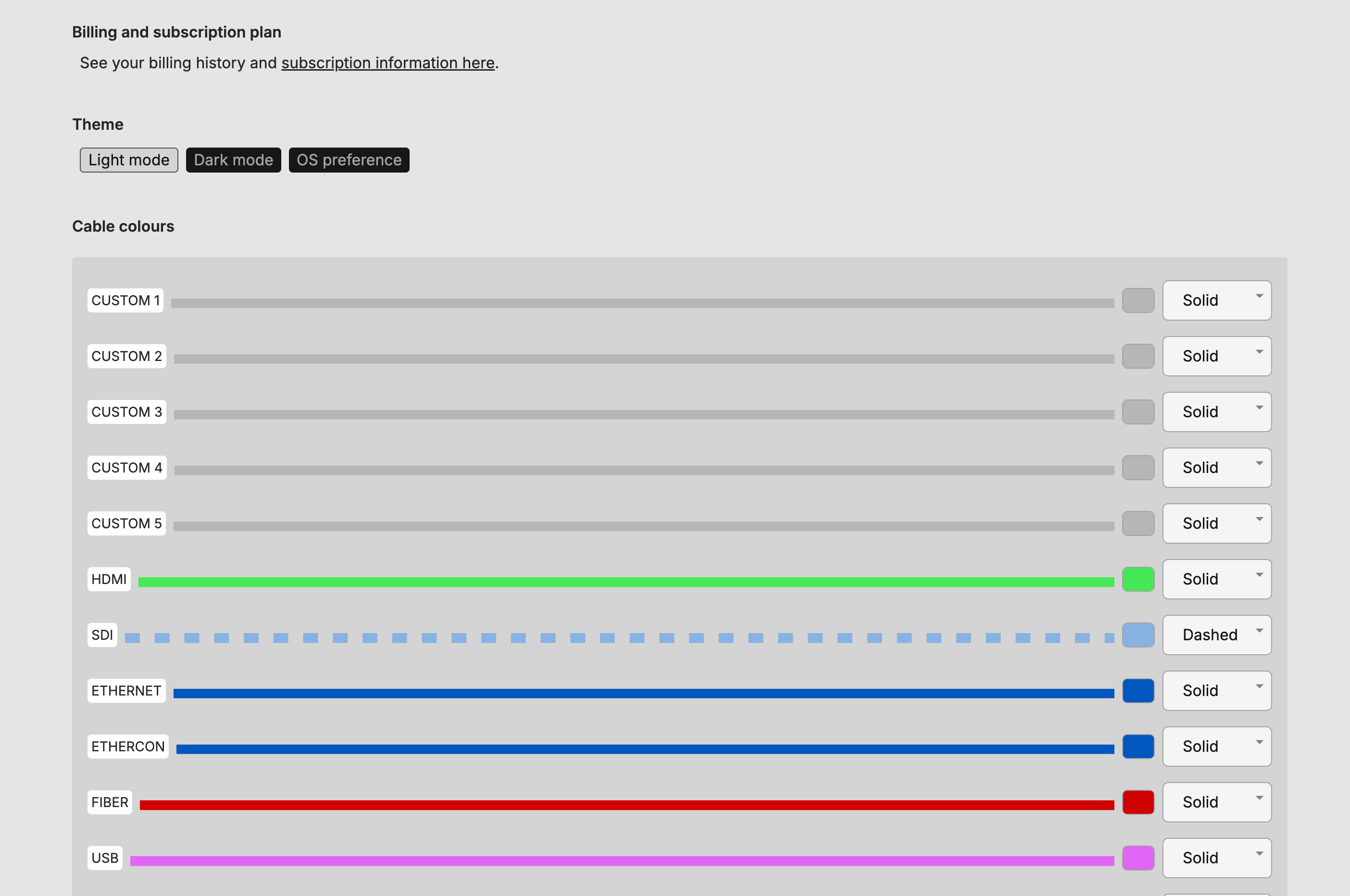
Use this section to check your logged in email address and to add an optional name to your account.
H2R Gear can be used in Dark or Light mode. Choose your preferred option and the interface will change.
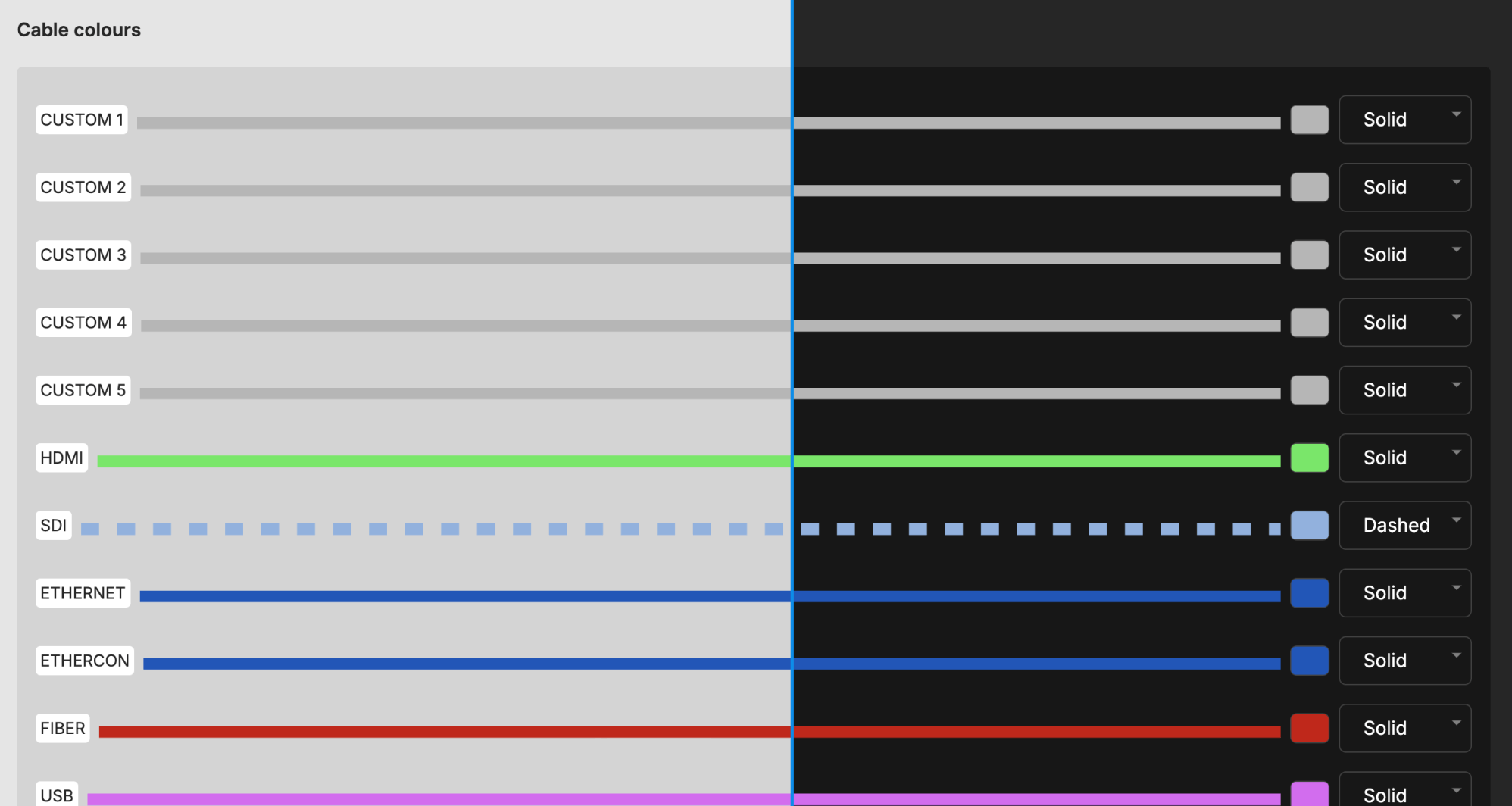
You can choose how cables look within your account by making changes to the cable colours and styles.

Changes made here will be reflected on all of your plans.
Ready to get organised?
Start using H2R Gear to plan your next setup.
Get H2R Gear product updates
New features, templates and tips, straight to your inbox.
No spam. Unsubscribe any time.