New in H2R Gear v2.13
Draw the room around your gear with new shapes, symbols and a drawing toolbar.
Read more →New in H2R Gear v2.13
Draw the room around your gear with new shapes, symbols and a drawing toolbar.
Read more →A plan is a set of gear items, cables, and text labels that represent how you can connect your equipment.
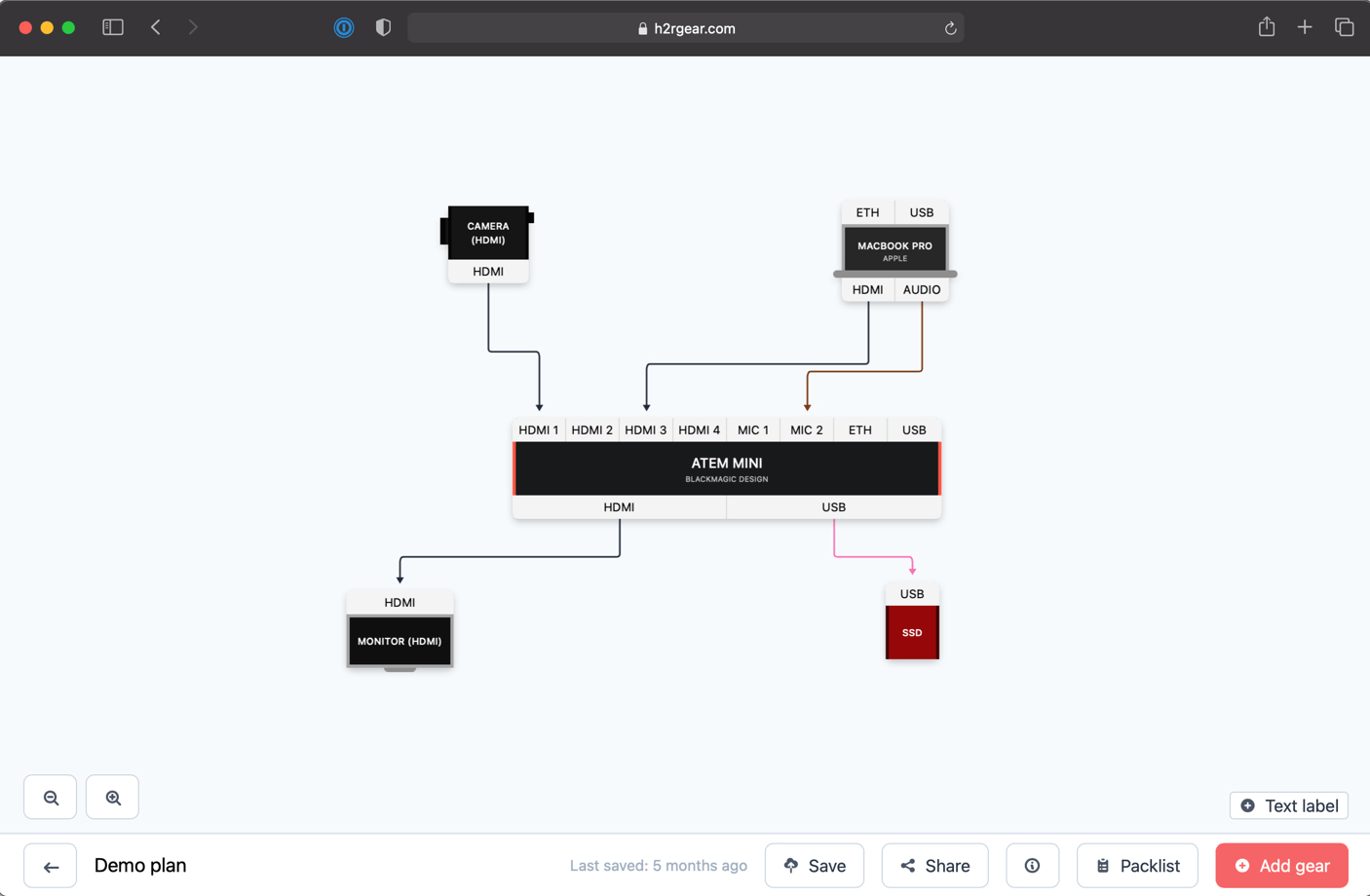
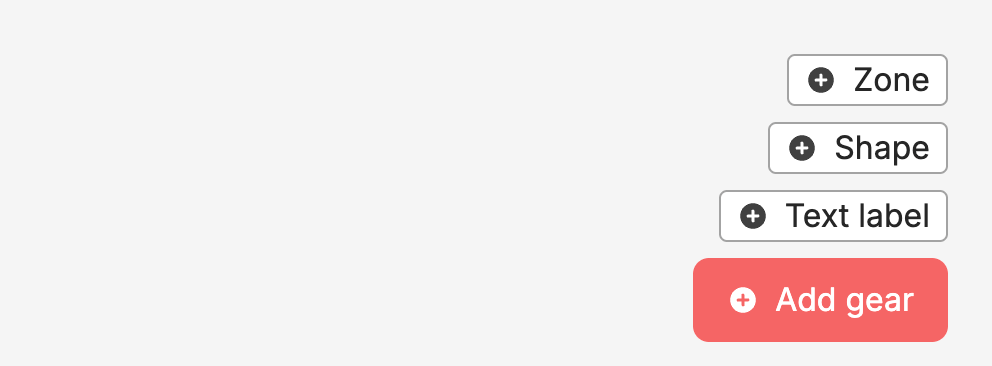
Use the onscreen actions to add gear and other things to your plan.
The bottom bar on the plan page will allow you to perform serval actions while in the plan editor.

Use the ← Plans next to the plan name to return to the home page.
On the right of the bottom bar you can:
Save - Save your progress (Note: Saving is also automatic).Export - Export your plan in PNG, JPEG and PDF. Use the Show cable legend toggle to choose whether the cable legend is included.Share - Share this plan with others to view.Packlist - Open the Packlist for this plan.Patchlist - Open the Patchlist for this plan.To select multiple items at once, click and drag on an empty area of the canvas to draw a marquee box. Anything inside the box becomes part of your selection.
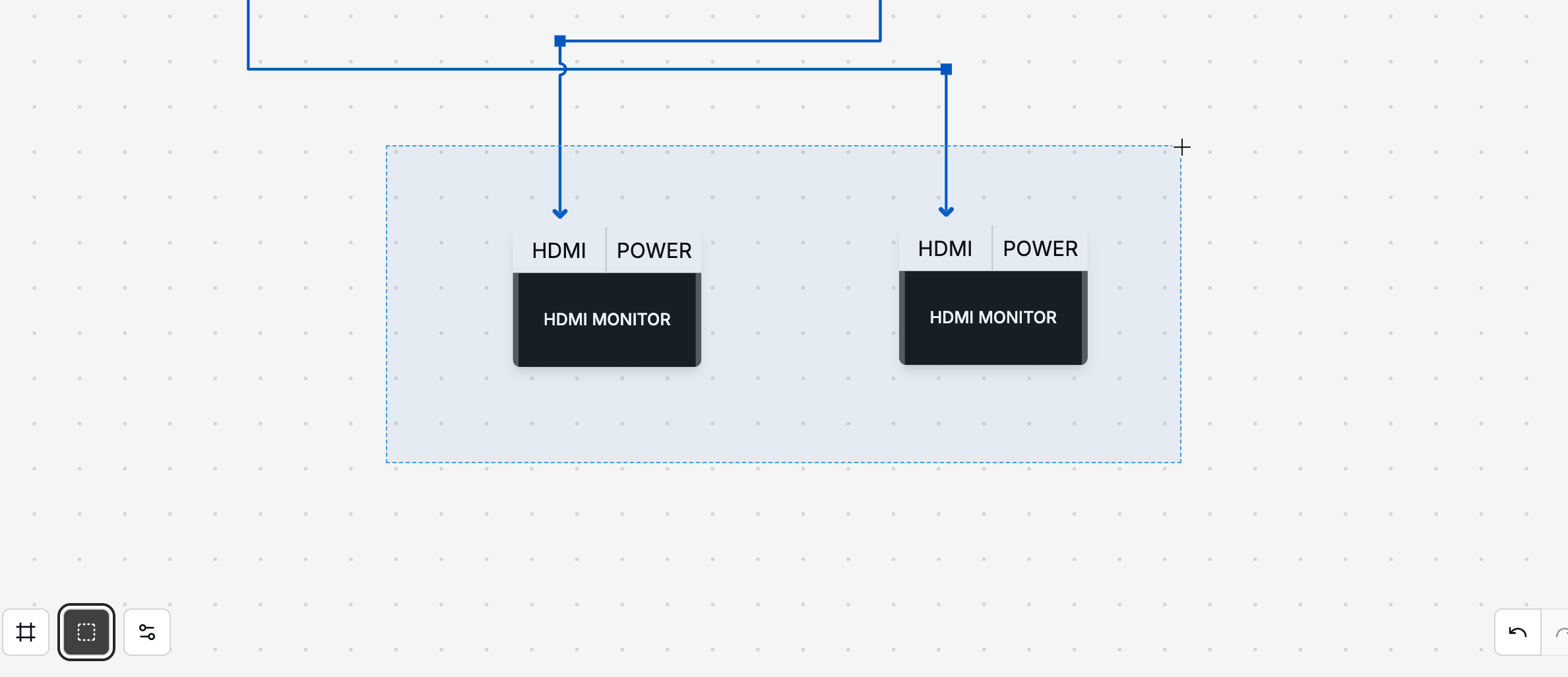
Once selected, you can move, duplicate or delete the whole group in a single action.
Copying and pasting a selection also brings across the cables connecting those items. Pasted items arrive already selected, so you can drag the whole group straight into place.
Most actions on the plan canvas have a keyboard shortcut. On-screen hints will surface the most useful ones as you work.
The most common shortcuts include:
Esc.Shift+D.Undo / Redo, Copy / Paste and Delete.With a cable selected:
D - delete the selected cable.L - add or remove a cable label.H - hide or show the cable route (Left-to-Right plans).See Cables for more on working with cables.
Ready to get organised?
Start using H2R Gear to plan your next setup.
Get H2R Gear product updates
New features, templates and tips, straight to your inbox.
No spam. Unsubscribe any time.