
New in H2R Gear v2.13
Draw the room around your gear with new shapes, symbols and a drawing toolbar.
Read more →New in H2R Gear v2.13
Draw the room around your gear with new shapes, symbols and a drawing toolbar.
Read more →A project is a single home for everything that belongs to one job. It groups together one or many plans, any files you upload, and folders to keep it all organised.
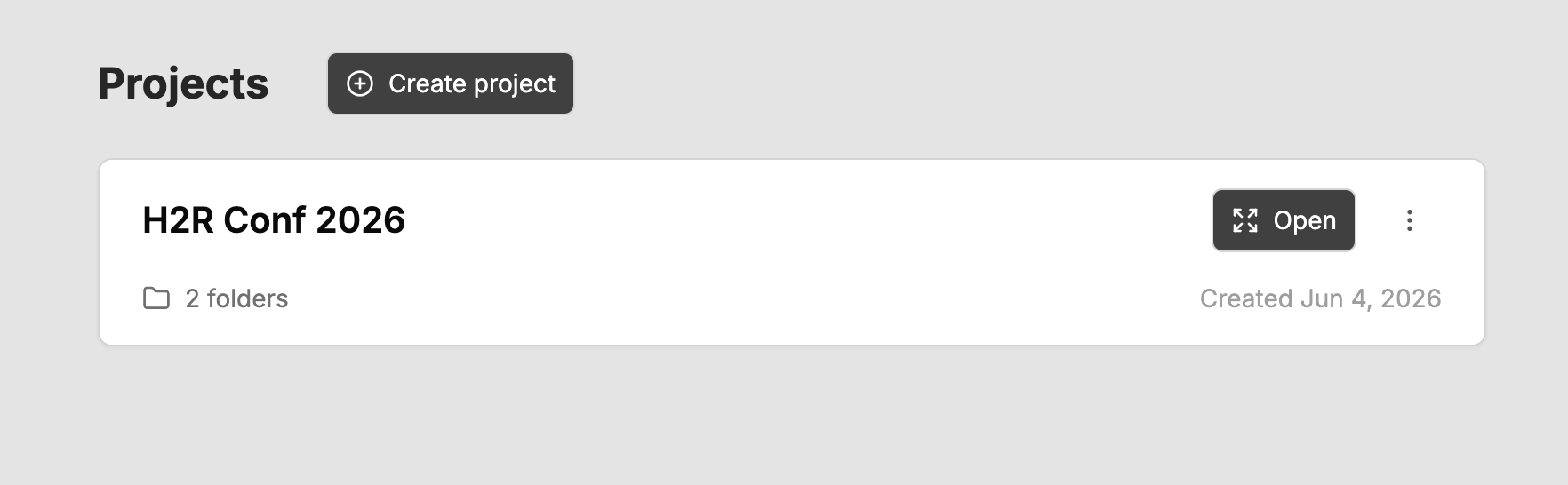
Projects is available on the Pro plan and for all team members.
From the Projects page in the sidebar, click Create project. Give it a name, and optionally add a description to capture the brief, key contacts, or anything else worth keeping with the job.
To add an existing plan, open the menu on any plan card and choose Move to project, then select the project you want to drop it into.
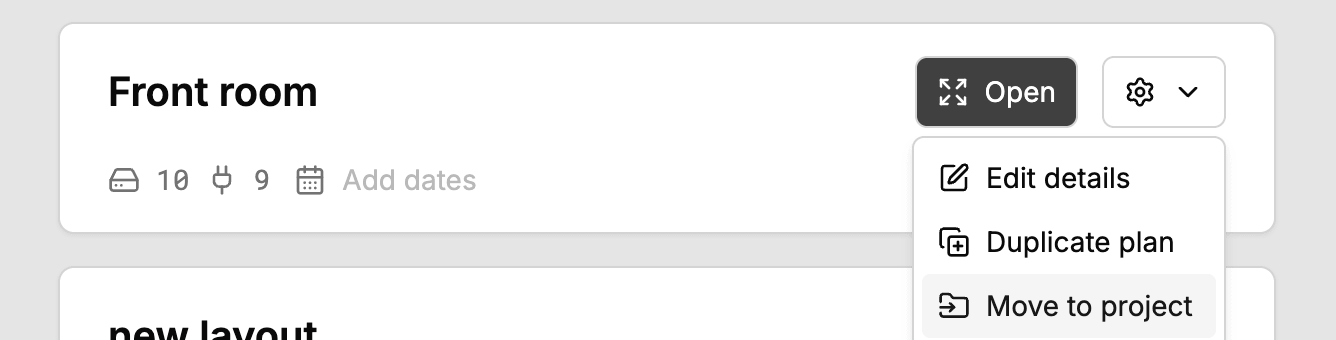
A plan can only belong to one project at a time. To take a plan out again, use the plan’s menu inside the project and choose to remove it from the project. It returns to your main Plans area unchanged.
You can upload supporting files directly into a project, such as stage diagrams, riders, call sheets, spec PDFs, or photos of the room.
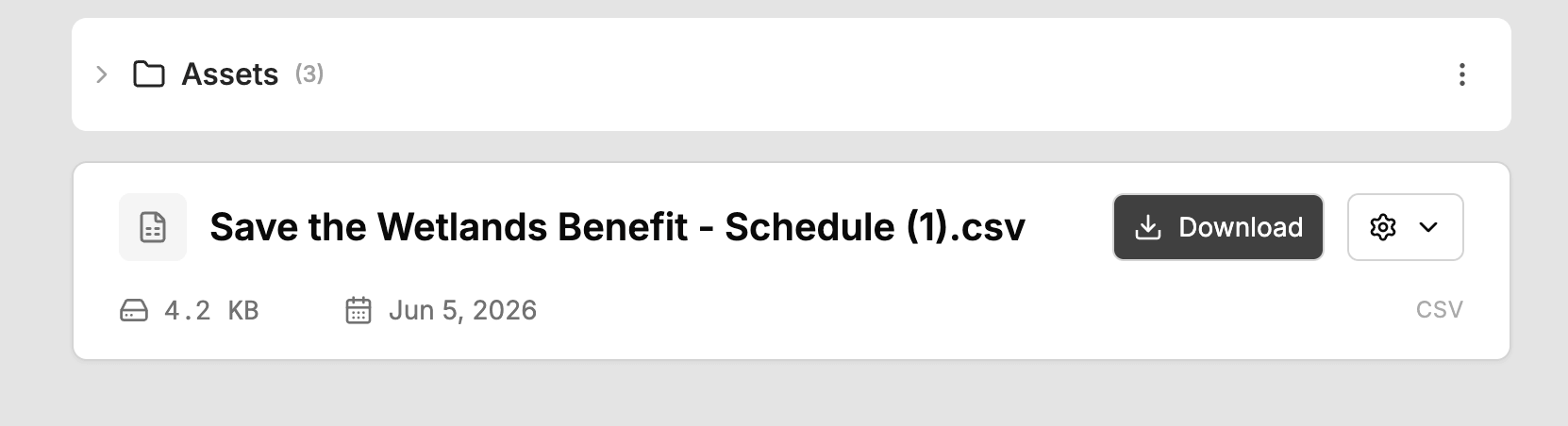
Add folders inside a project to group plans and files however makes sense to you, for example by day, by room, or by department.
Team sharing works at the project level. Share a project with your team and everything inside it, every plan and every file, becomes available to your teammates on the team Projects page.
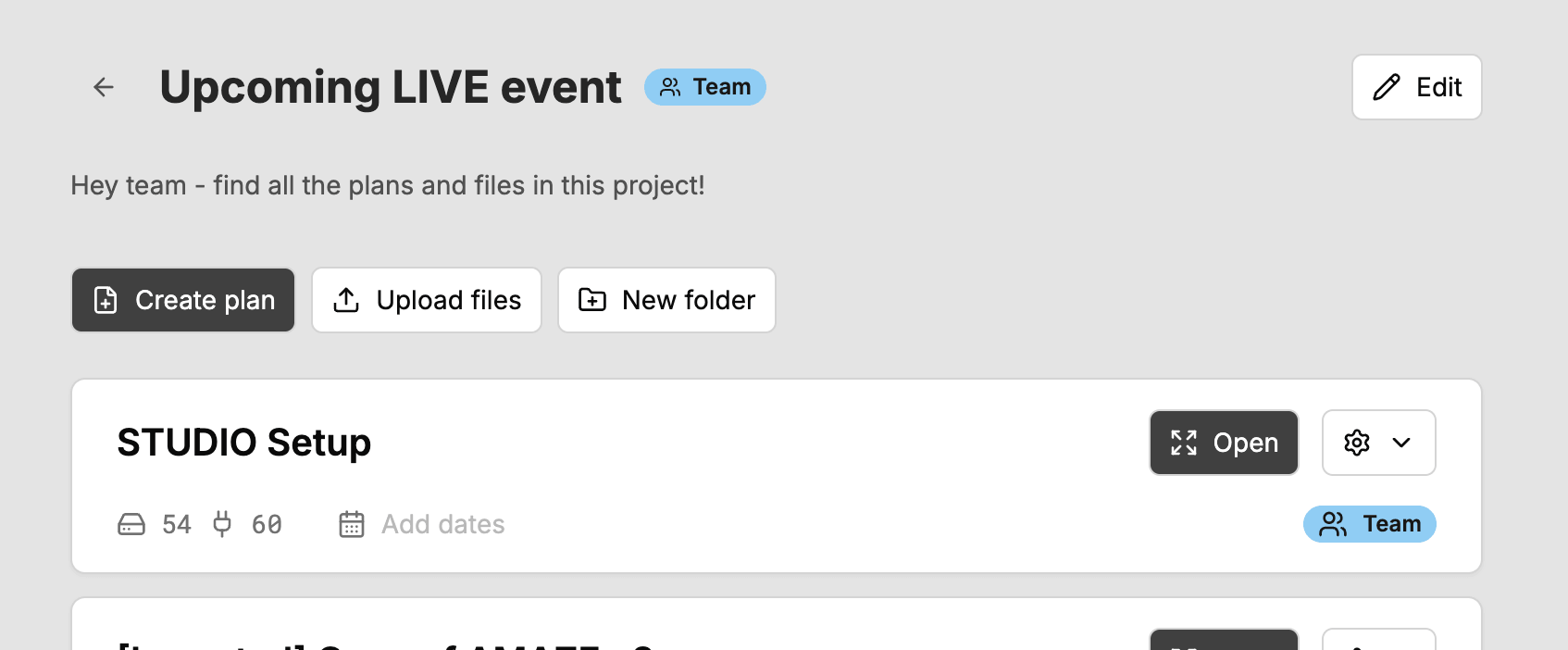
To stop sharing, make the project private again. It returns to just you.
Personal plans move into personal projects, and team plans move into team projects. They are kept separate so sharing stays predictable.
Ready to get organised?
Start using H2R Gear to plan your next setup.
Get H2R Gear product updates
New features, templates and tips, straight to your inbox.
No spam. Unsubscribe any time.