New in H2R Gear v2.13
Draw the room around your gear with new shapes, symbols and a drawing toolbar.
Read more →New in H2R Gear v2.13
Draw the room around your gear with new shapes, symbols and a drawing toolbar.
Read more →By John Barker • 4 May 2026
Forgetting one HDMI adapter or the right power supply can derail an otherwise well-prepared shoot. The Packlist in H2R Gear is built to make sure that does not happen.
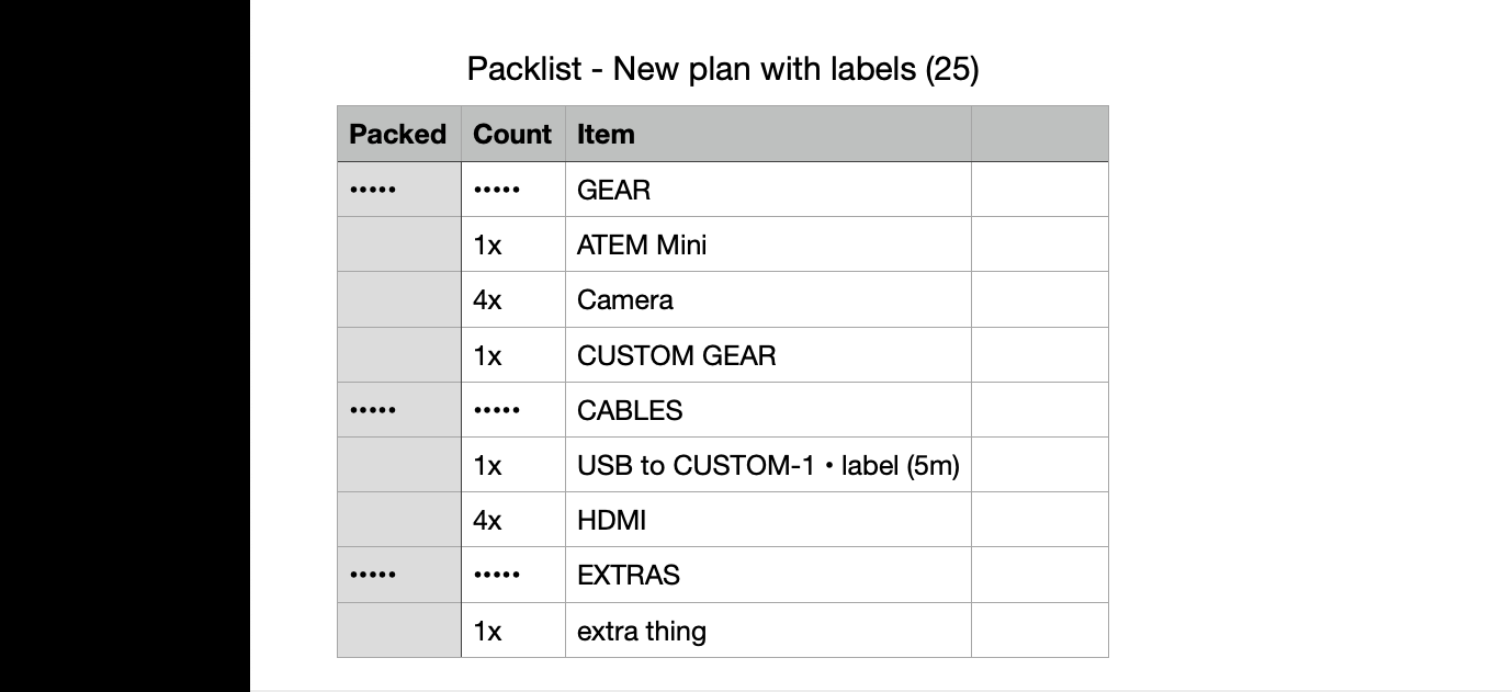
Every gear item and cable on your plan is automatically pulled into a single checklist that you can work through as you load the van.
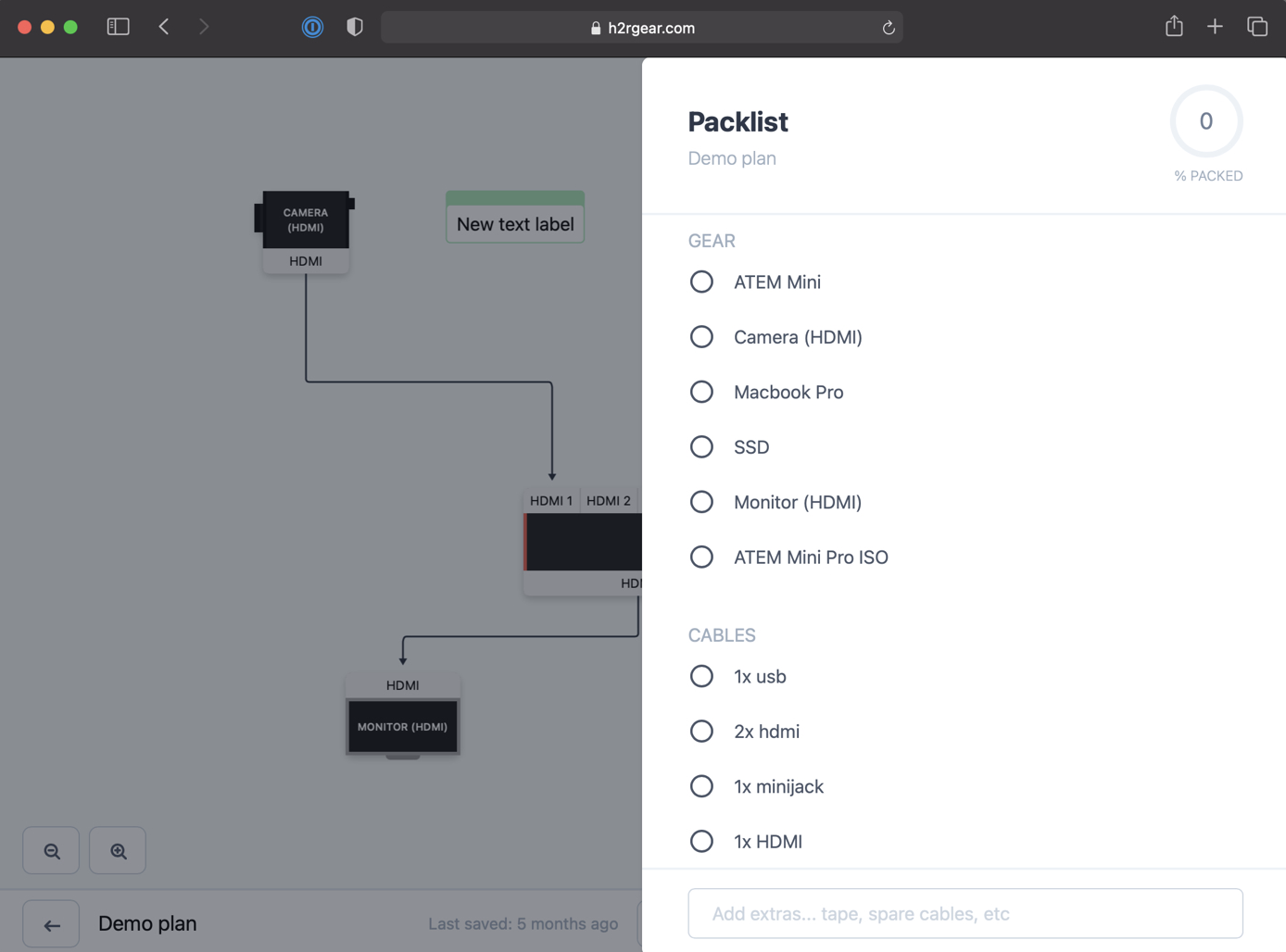
The whole point of the Packlist is that you do not have to write it.
Drop your gear and cables onto a plan, and the Packlist mirrors it. Add a new camera, the camera shows up. Wire in a fresh SDI run, the cable shows up. No double entry, no missed items.
You can open the Packlist from the home page, or directly inside any plan when you are ready to start packing.
Plans cover the technical setup, but real shoots also need tape, batteries, snacks and a backup of that one weird adapter.
Anything that is not on your plan can be typed straight into the Extras section and added with a tap of Enter.

This is where we tend to drop in things like spare SD cards, gaffer tape, lens cloths and the kettle.
Click any item to mark it as packed. The progress percentage at the top right ticks up as you go.
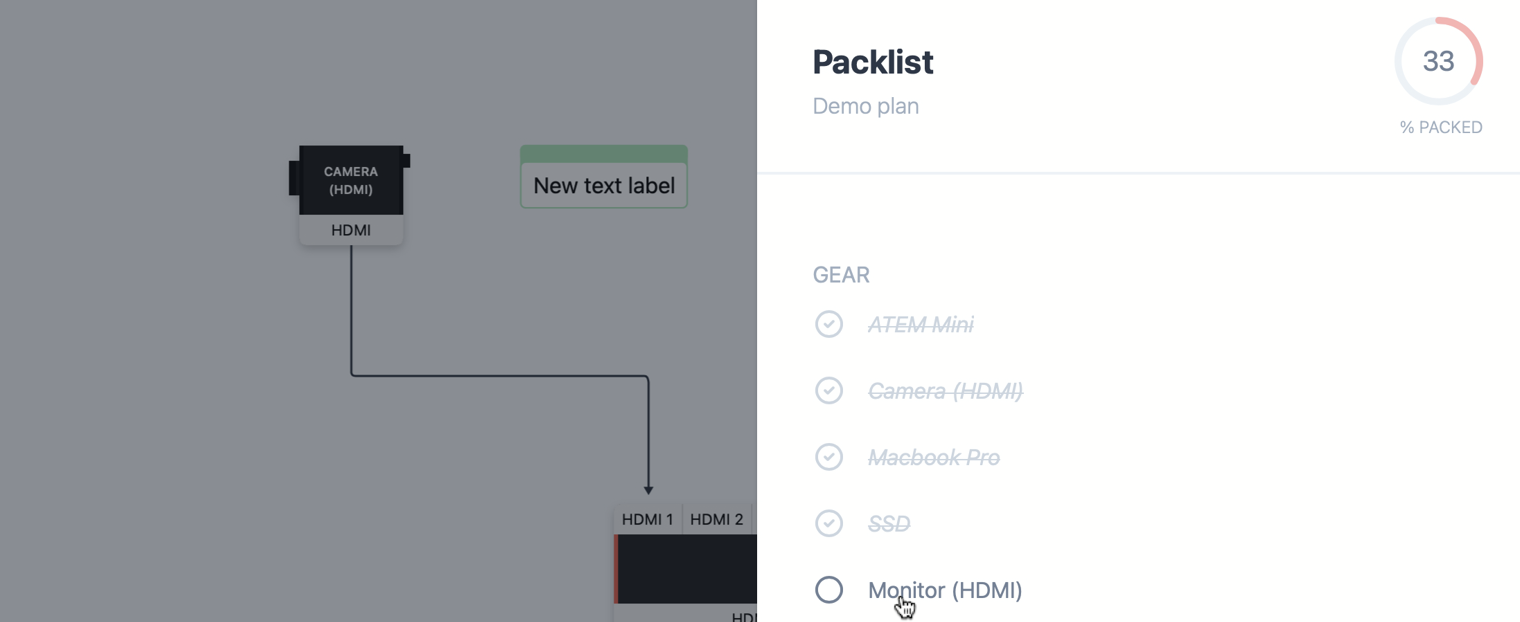
It is a small thing, but watching that number climb toward 100% is a satisfying way to know you are actually ready to leave.
If an Extra is no longer needed, hover over it and choose Remove.

Gear and cables are managed from the plan itself, so removing them there keeps your Packlist in sync automatically.
Sometimes you want the list outside of H2R Gear, maybe to send to a runner, share with a producer or hand over to the warehouse team.
Hit Download as CSV to grab a copy you can open anywhere.
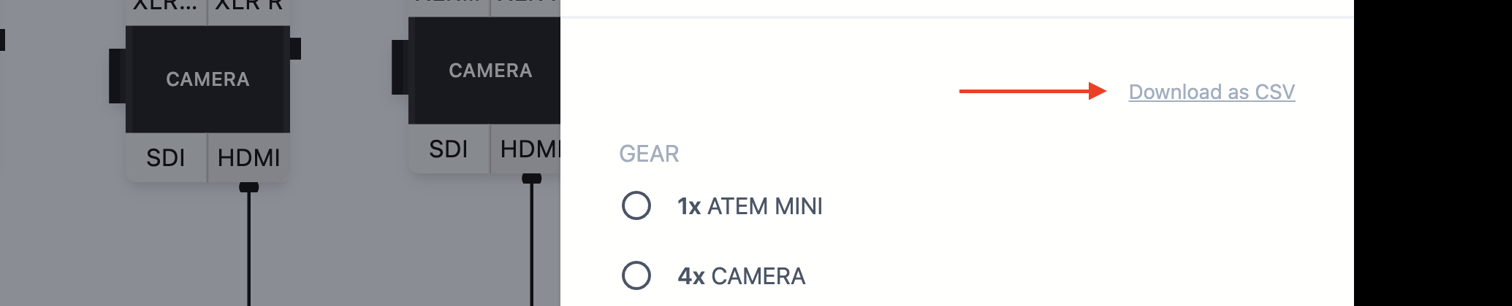
Open it in Numbers, Excel, Sheets, or whatever your team prefers.
If you have not used the Packlist yet, give it a go on your next show. Build out your plan as normal, open the Packlist, throw in a few Extras, and pack with confidence.
For more detail, head to the Packlist documentation.
Ready to get organised?
Start using H2R Gear to plan your next setup.
Get H2R Gear product updates
New features, templates and tips, straight to your inbox.
No spam. Unsubscribe any time.