
Introducing Projects
Most jobs are more than a single plan. There is the main signal flow, a backup setup, a stage layout, the rider, a few PDFs from the client, and the running order. Until now those lived in separate places.
Version 2.11 brings it all together with Projects: a single home for everything that belongs to one gig.
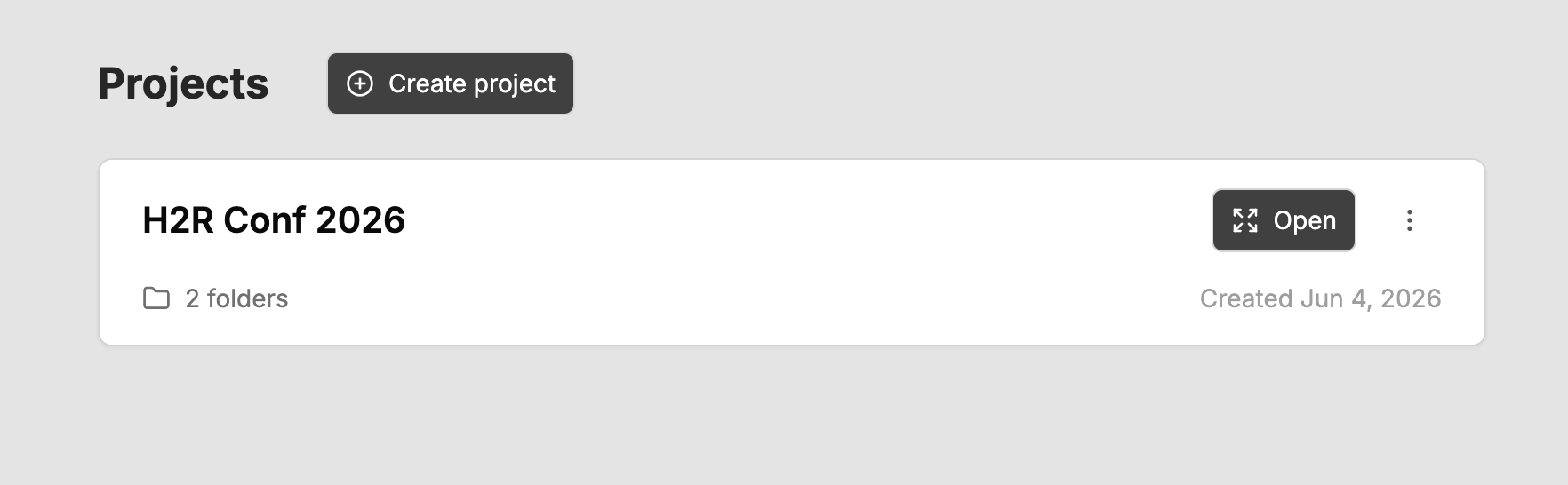
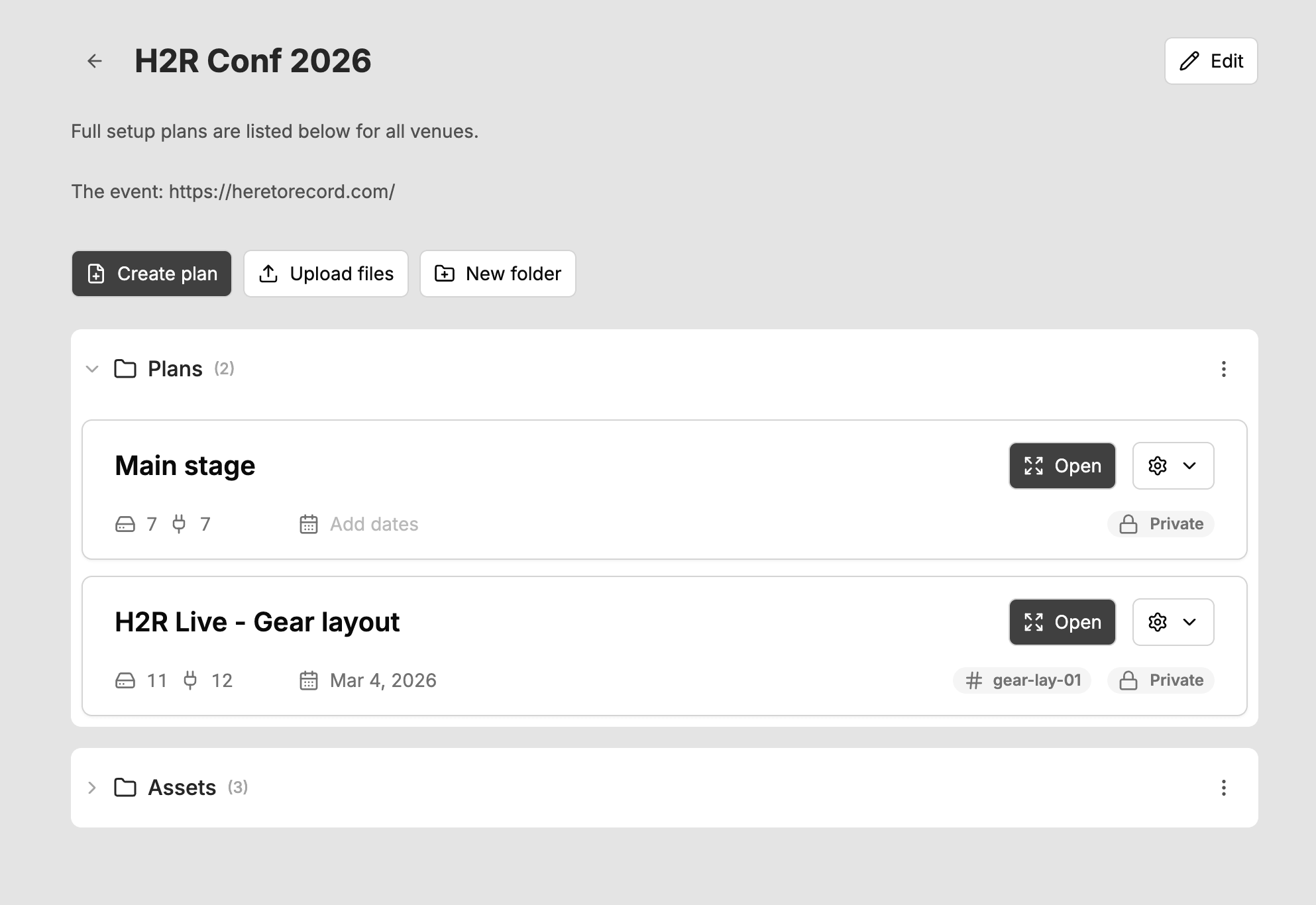
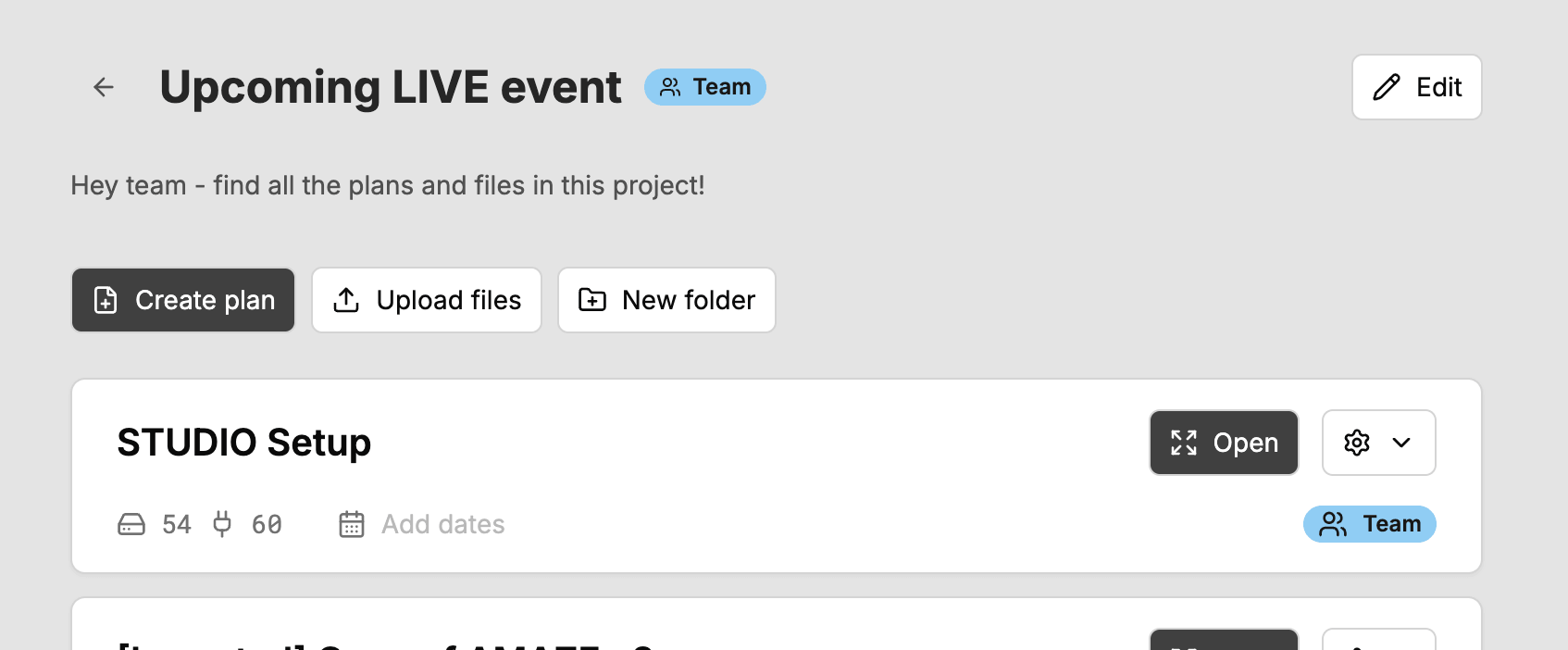
A project groups together one or many plans, any files you upload, and folders to keep it all organised. Open a project and everything for that job is in one place.
Grouping your plans
Create a project from the Projects page, give it a name, and add a description if you want to capture the brief, key contacts, or anything else worth keeping with the job.
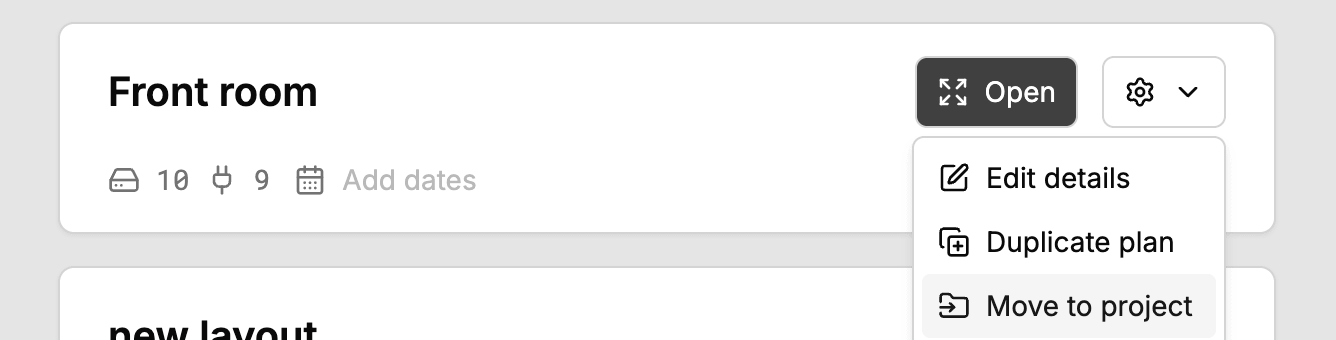
To add an existing plan, open the menu on any plan card and choose Move to project, then pick the project to drop it into. You can move a plan back out again at any time, and it returns to your main Plans area untouched.
Files alongside your plans
A plan rarely tells the whole story. Now you can upload supporting files straight into a project: stage diagrams, riders, call sheets, spec PDFs, photos of the room, whatever you need to hand.
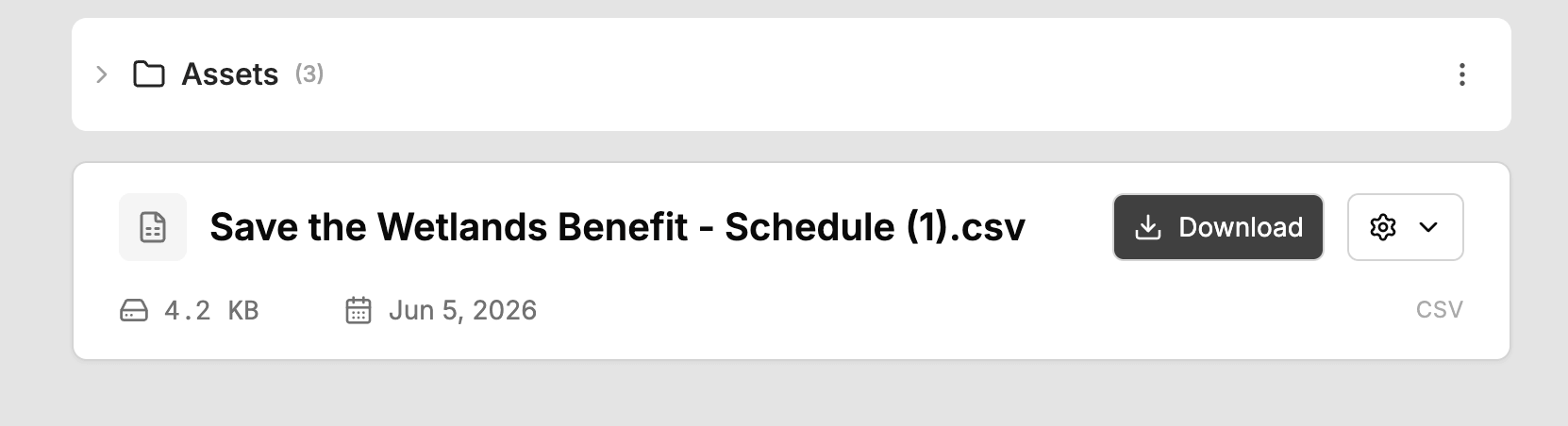
Each file can be up to 25MB. Rename them, move them between folders, or download them whenever you need them. Everything for the job stays together.
Folders to keep it tidy
Bigger jobs need a bit of structure. Add folders inside a project and move plans and files into them to group things however makes sense to you, for example by day, by room, or by department.
Remove a folder and nothing is lost: anything inside it simply moves back to the project root.
Share a whole project with your team
Team sharing now works at the project level. Share a project with your team and everything inside it, every plan and every file, becomes available to your teammates on the team Projects page in one step.
Made it public by mistake, or the job has wrapped? Make the project private again and it returns to just you.
A Pro feature
Projects is available on the Pro plan and for all team members. If you are on a free plan, you will see an upgrade prompt where Projects would appear.
Try it out
Head to the Projects page in the sidebar, create your first project, and move a plan or two into it. For the full walkthrough, see the Projects documentation.
For the full list of changes, head to the changelog.