New in H2R Gear v2.10
Marquee selection, cable bumps, bidirectional connections and more.
Read more →New in H2R Gear v2.10
Marquee selection, cable bumps, bidirectional connections and more.
Read more →By John Barker • 11 May 2026
Version 2.10 is a focused update aimed at the moments where plans get busy. Selecting groups of items, untangling overlapping cables, and reaching for the right shortcut should all feel quicker and clearer.
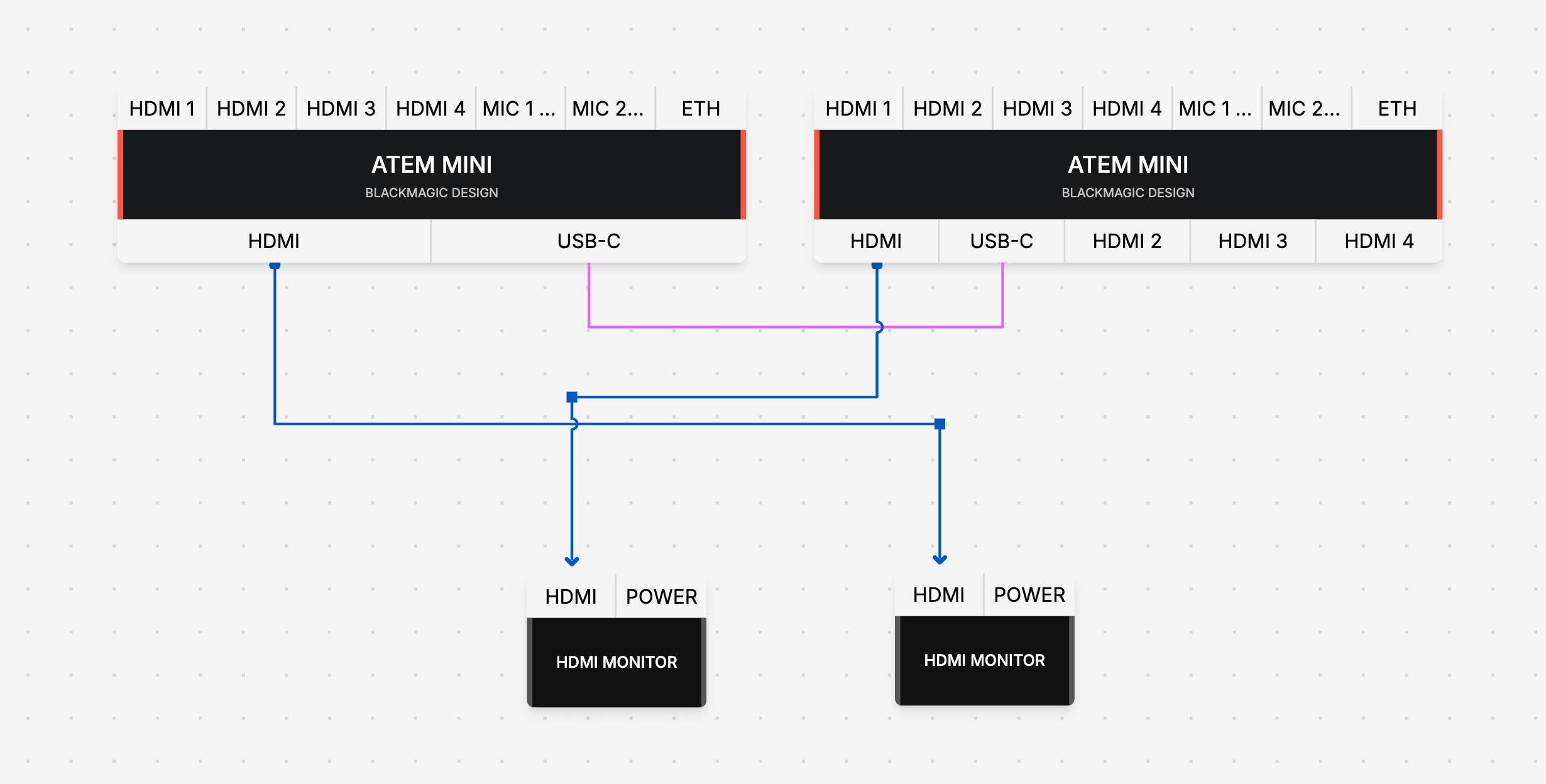
You can now drag a box across the canvas to select multiple items at once.
Click and drag on an empty area of the plan to draw a marquee. Anything inside the box becomes part of your selection, ready to move, duplicate, or delete in one go.
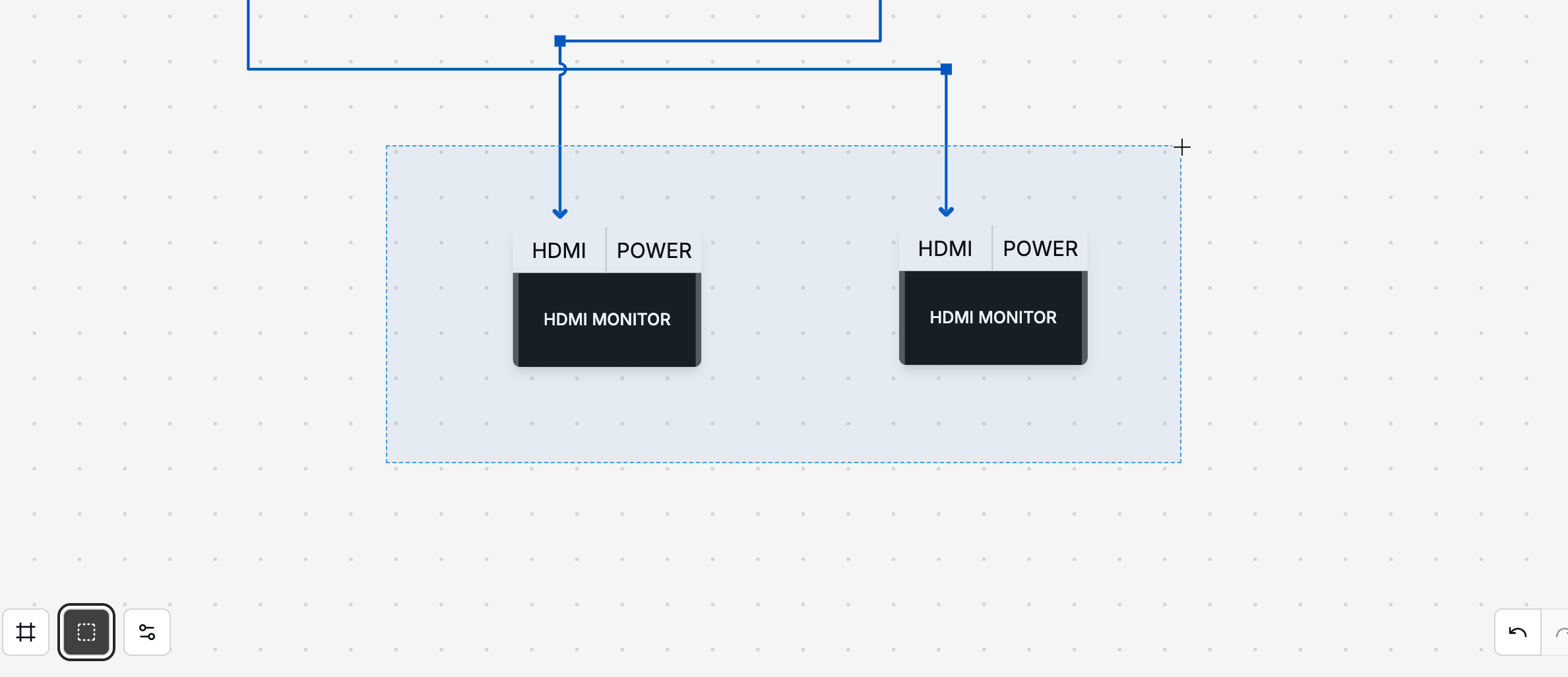
This is a big time saver when reorganising a section of a plan or grabbing a cluster of related gear.
Cables that cross each other now visibly bump over one another. No more guessing which cable is which when two paths overlap.
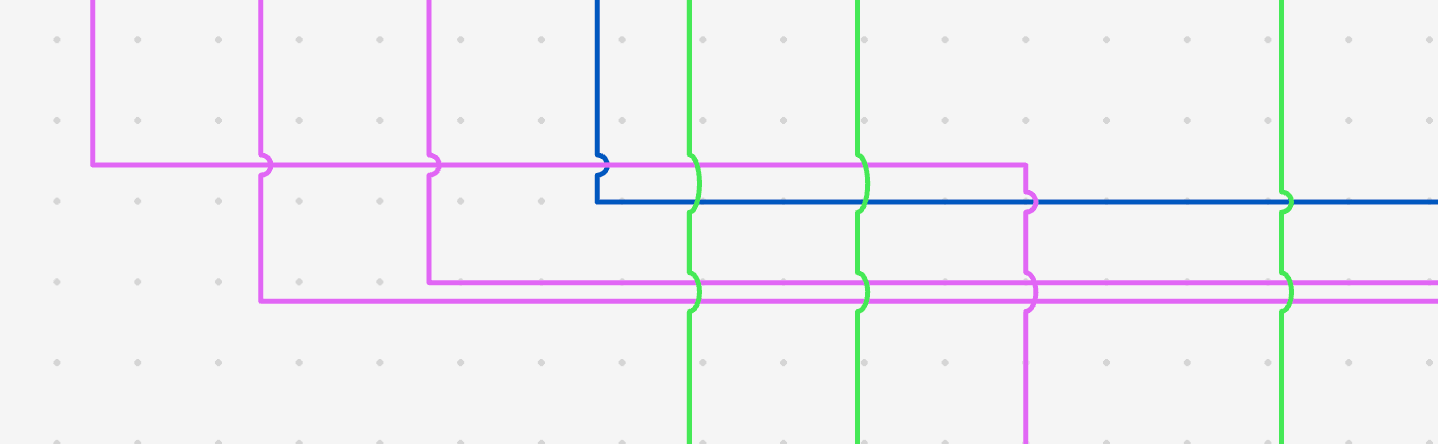
Busy plans stay readable, and you can follow a single cable from end to end without losing your place.
Some cables carry signal in both directions. USB, Ethernet and Fibre runs are now properly represented as bidirectional, so the plan reflects how the cable actually behaves in real life.
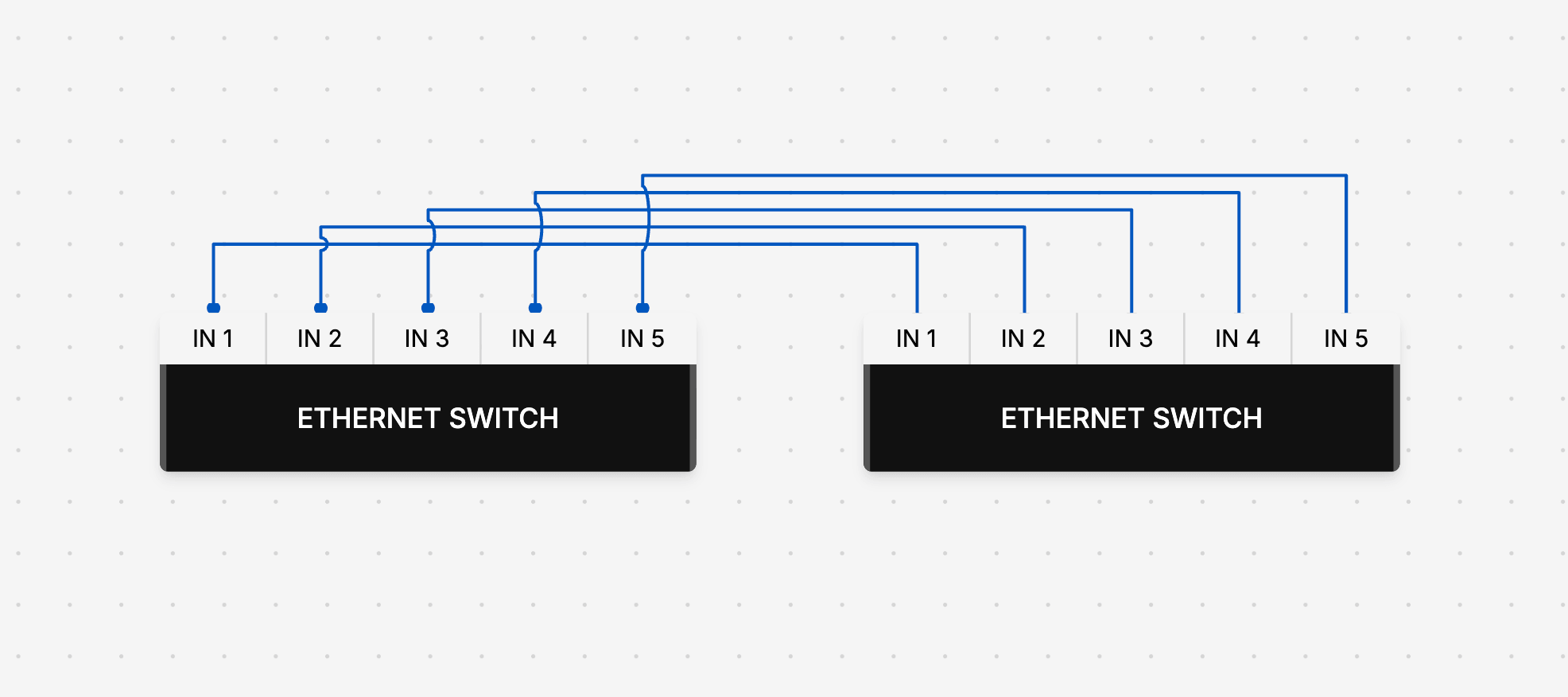
This pairs nicely with the existing arrow styling, so directional cables still stand out.
Power users get a fresh set of keyboard shortcuts:
On-screen hints show you what is available, so you do not need to memorise the full list to start using them.
Exports now include an optional information bar along the bottom of the image. It pulls in your plan name, plan dates and any notes you have added, so the context travels with the file.

Handy when you are sending a plan over to a freelancer, archiving past jobs, or printing a copy for the warehouse.
A long list of small but meaningful fixes ships with this release:
Open up any plan to see the changes in action. Marquee select a group of items, hover a busy cable run to see the new highlighting, or hit the orientation hotkey to flip your layout in one tap.
For the full list of changes, head to the changelog.
Ready to get organised?
Start using H2R Gear to plan your next setup.