New in H2R Gear v2.13
Draw the room around your gear with new shapes, symbols and a drawing toolbar.
Read more →New in H2R Gear v2.13
Draw the room around your gear with new shapes, symbols and a drawing toolbar.
Read more →By John Barker • 18 February 2026
Every live setup eventually runs into the same question. Do you send that camera feed over HDMI, SDI or NDI? They all carry video, they all show up on the same monitor at the end, and they can all do a good job. The trick is matching the signal to the situation rather than reaching for whatever cable happens to be in the case.
Here is a working AV pro’s view of when each one earns its place, and when to leave it on the shelf.
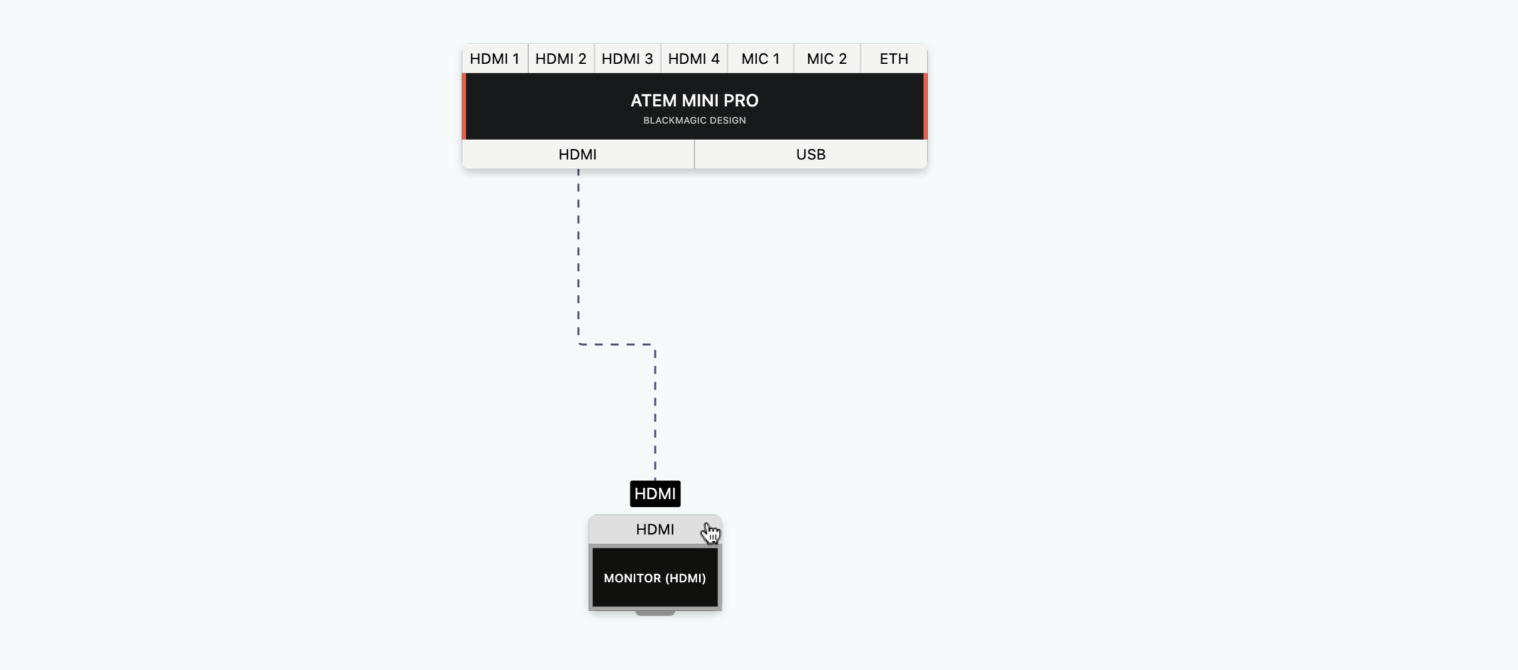
HDMI is the consumer-grade workhorse. It is on every laptop, every camera, every games console and every TV. The cables are cheap, the adapters are everywhere, and almost any switcher will accept it without complaint.
The downside is distance. HDMI starts getting unreliable past 25 to 50 feet on a standard passive cable. The connectors are also fragile and easy to knock loose, which is why so many touring kits end up with locking adapters and electrical tape over the joins.
Use HDMI when:
If you find yourself buying 100 foot HDMI cables, that is a sign you should be looking at SDI or NDI instead.
SDI runs on coaxial cable with locking BNC connectors. It is the signal you find in every broadcast truck, every stadium and every house of worship that takes its production seriously. A standard 3G-SDI run is good for around 300 feet, and 12G-SDI handles 4K60 over a single coax for the modern workflows.
The locking connector alone is worth the price of admission. Nobody trips over a cable and pulls the program feed off air mid-show. You can also embed up to 16 channels of audio in the signal, which means one cable carries the camera, the on-board mic and the talkback all together.
Use SDI when:
The catch is cost. SDI cameras, switchers and cables are pricier than their HDMI equivalents. The good news is that the gear lasts a long time, and most rental houses are already stocked with everything you need.
NDI is the newest of the three. Instead of running a dedicated cable for each feed, NDI sends compressed video over your existing Ethernet network. Plug a camera, a computer running OBS, or an NDI converter into a switch, and any other device on the same network can see the feed and pull it in.
This sounds magical because it kind of is. You can route dozens of feeds around a building using nothing but Cat6 cable and a managed switch. PTZ cameras, slide playback, lower thirds and even multi-view monitors all live on the same wire.
Use NDI when:
The asterisk is the network. NDI is only as reliable as the LAN it runs on, and a flat office network shared with the printer is not going to cut it. Budget for a dedicated production VLAN and a switch that can handle multicast properly.
Almost every modern production ends up using more than one. SDI handles the critical camera feeds and the program out to the recorder. NDI moves graphics, presentation laptops and PTZ cameras around the building. HDMI plugs in the confidence monitor at the lectern and the laptop that ended up on the table at the last minute.
There is no prize for running everything down a single protocol. Pick the right one for each segment of the signal chain and life gets a lot easier.
This is where having a wiring diagram saves real time on site. Knowing in advance that camera 1 is SDI to the switcher, camera 2 is NDI from a PTZ, and the laptop is HDMI through a converter means you pack the right cables, the right adapters and the right number of converters.
In H2R Gear you can colour-code each cable type, so HDMI runs are obvious at a glance, SDI is the one in yellow, and NDI feeds show up as Ethernet. The cable key on the side of every plan gives you a tally of how much of each you need to bring.
If you find yourself second-guessing what to put on the truck, that is usually the moment to open the plan and let it answer for you.
For more on cable types and how to use them in your plans, see the cables documentation.
Ready to get organised?
Start using H2R Gear to plan your next setup.
Get H2R Gear product updates
New features, templates and tips, straight to your inbox.
No spam. Unsubscribe any time.