New in H2R Gear v2.12
A rewritten cable engine that routes around your gear, plus cable shortcuts and a long list of fixes.
Read more →New in H2R Gear v2.12
A rewritten cable engine that routes around your gear, plus cable shortcuts and a long list of fixes.
Read more →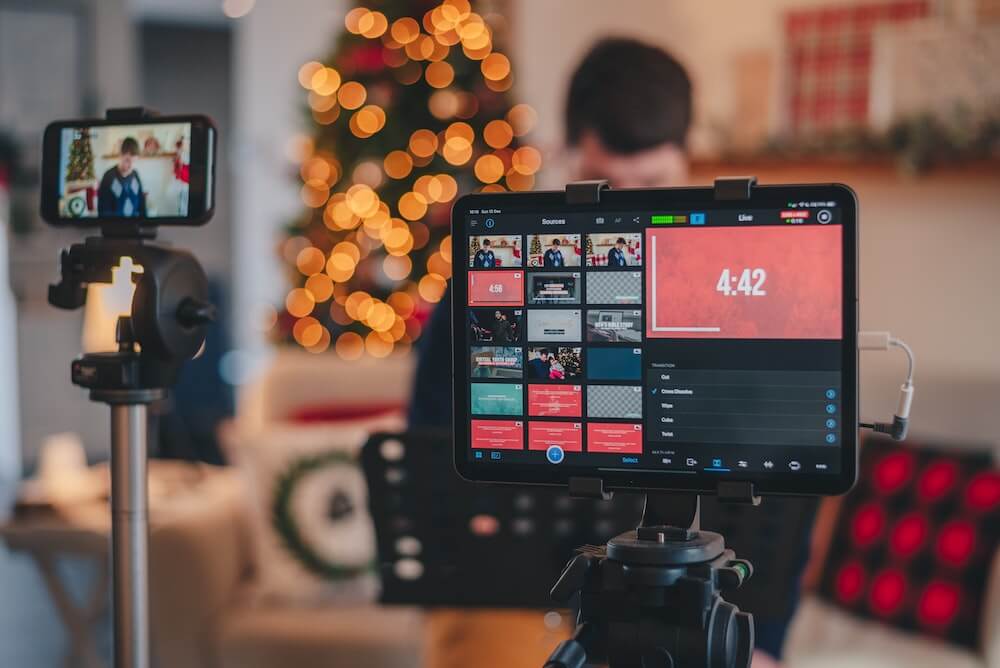
A dropped signal, an audio loop or a wrong input — live means there's no second take. Planning your signal chain ahead of time catches problems before your audience sees them.
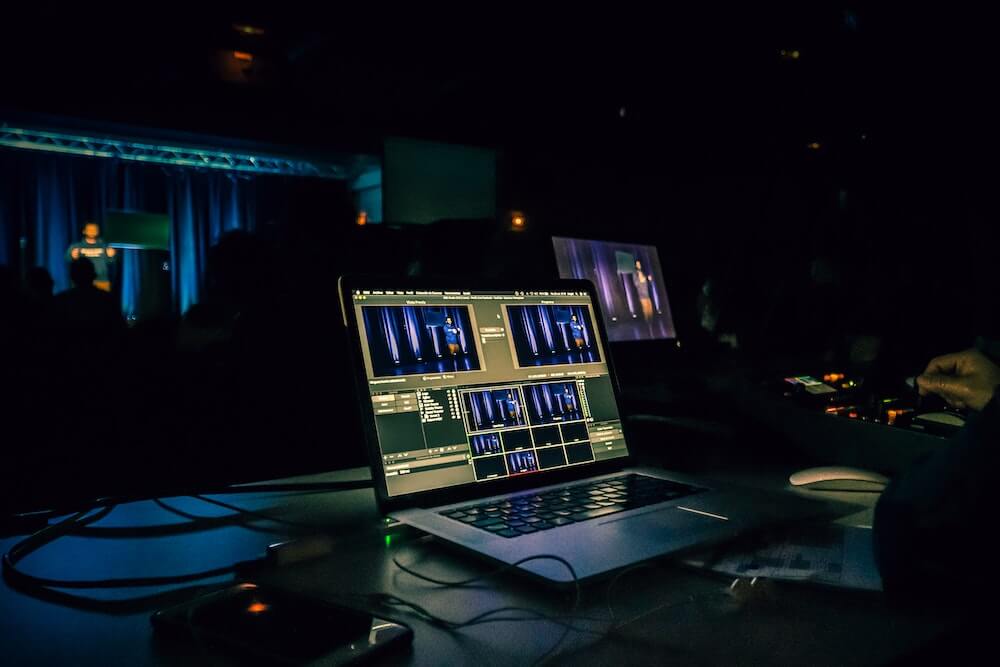
What started as a webcam and a mic is now multiple cameras, a switcher, audio mixer, capture cards and NDI feeds. Your setup needs proper documentation to stay manageable.
Streaming from events, conventions and venues means packing gear into cases and rebuilding your rig on site. A visual diagram and packlist makes this repeatable.
Place your cameras, capture cards, streaming encoder, audio interface, monitors and lighting controllers onto the plan canvas. Then draw cables between them to map out your full signal flow.
Whether you're running HDMI into a capture card, NDI over your network, or XLR into an audio mixer, H2R Gear supports 18+ cable types so your diagram accurately reflects your real setup.
Use zones to separate your camera positions from your control area, and add text labels for notes like IP addresses, OBS scene names, or channel assignments.
Search the community library for popular streaming gear like Elgato capture cards, ATEM Mini switchers, Rode microphones, PTZ cameras and more. Items are created by real users so they include the correct inputs and outputs.
Can't find something? The custom item builder lets you create any piece of gear with the exact inputs, outputs and labels you need. Build it once and reuse it across every plan.
As your streaming setup evolves, your gear library grows with it. Swap in new equipment on existing plans or start fresh with your saved items.
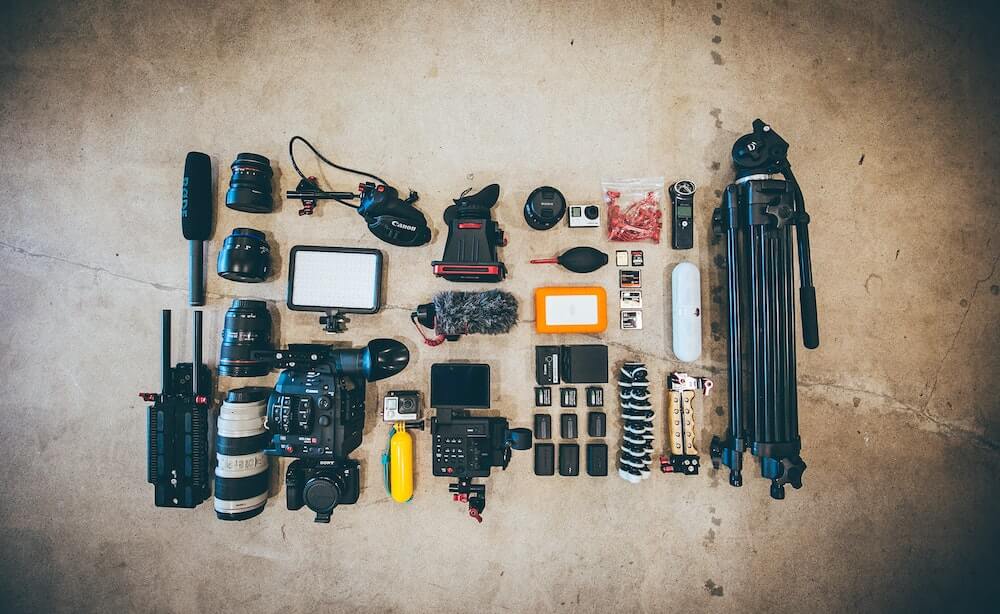
When you stream from a venue, convention or client site, packing the right gear is critical. H2R Gear generates a complete packing list directly from your diagram — every item and every cable.
Check off items as you pack them into your cases. When you arrive on site, use your diagram as the build guide so setup is fast and repeatable.
After the event, run through the same checklist while wrapping down to make sure everything comes home.
Document your home studio setup so you can recreate it after moves, upgrades or troubleshooting. Keep a record of how everything connects.
Plan multi-camera event coverage with proper cable runs and signal paths. Share your diagram with venue contacts or technical crew before the day.
Map out your audio chain, camera angles and recording setup. When guests or co-hosts join, your diagram shows them exactly how to plug in.
Running simulcast setups with multiple encoders and outputs? Diagram the full signal chain from source cameras through to each streaming destination.
Ready to map out your stream?
Create your free account and diagram your streaming rig in minutes.
If you work with a producer, technical director or co-host, team plans let everyone access and edit the same setup. No more sending screenshots back and forth — everyone sees the latest version.
Share a read-only link with your community or viewers to show off your setup. They can explore your diagram without being able to change anything.
When your setup changes between shows, update the plan once and everyone on your team sees it immediately.

HDMI, SDI, USB, NDI, Dante, XLR, Cat6 and more. Colour-coded and labelled with a cable key.
Every item and cable from your diagram, turned into a checklist you can step through while packing.
Build any piece of gear with the exact inputs, outputs and labels you need.
Share your setup with your team, your community, or your viewers via a read-only link.
Print your diagrams, share them on social media, or include them in your production documents.
Plan comfortably during late-night stream prep with full dark mode support.
Ready to get organised?
Start using H2R Gear to plan your next setup.