Plan overhaul
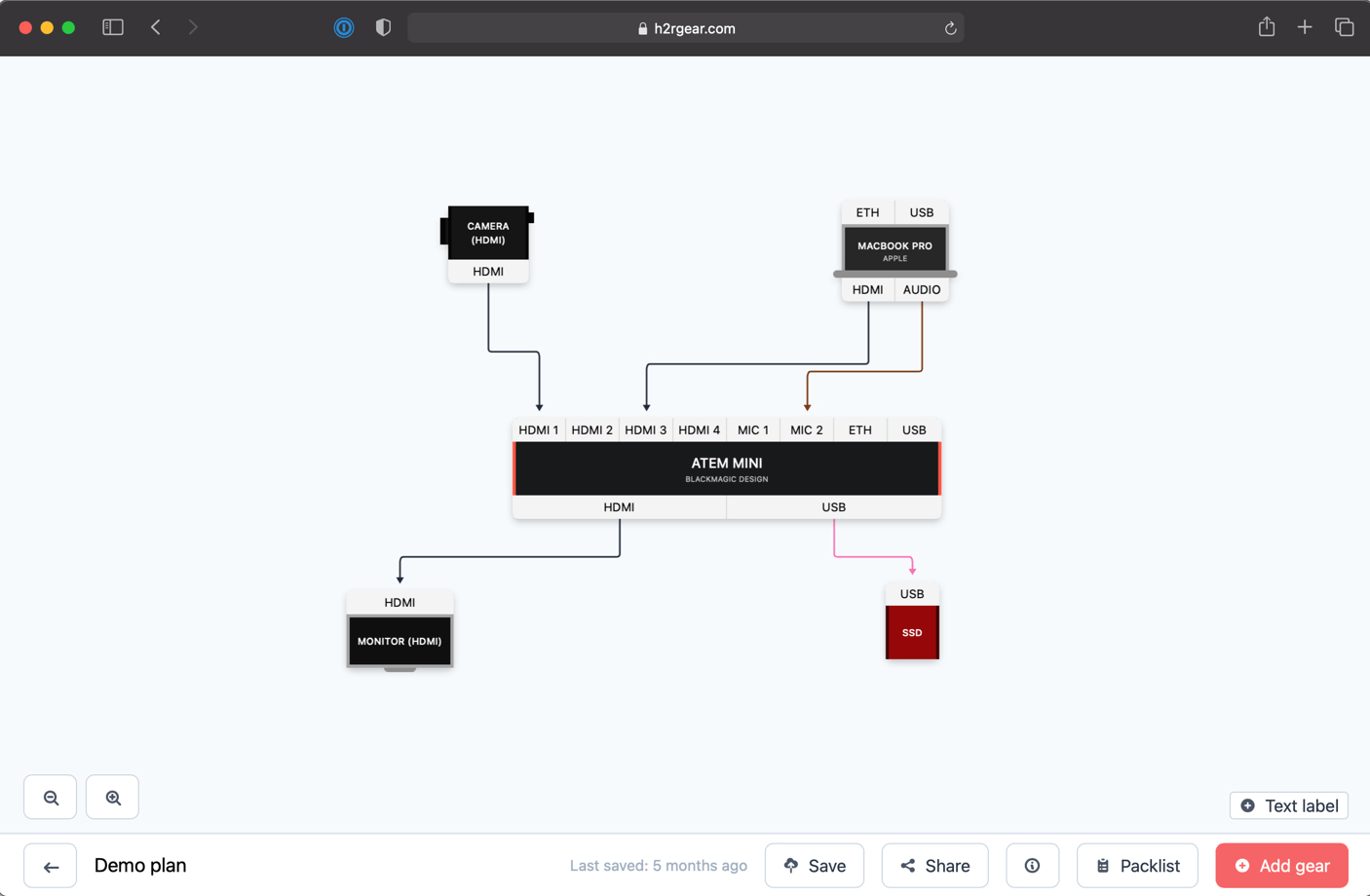
Version 2.9 is all about plans. We’ve taken a step back, looked at every part of the plan experience, and rebuilt it from the ground up.
Whether you’re putting together a small setup or managing a large-scale production, plans in H2R Gear should feel faster, clearer, and more intuitive than ever.
Override connection warnings
Previously, certain inputs couldn’t be connected to certain outputs. For example, connecting a USB input to an Ethernet output wasn’t allowed.
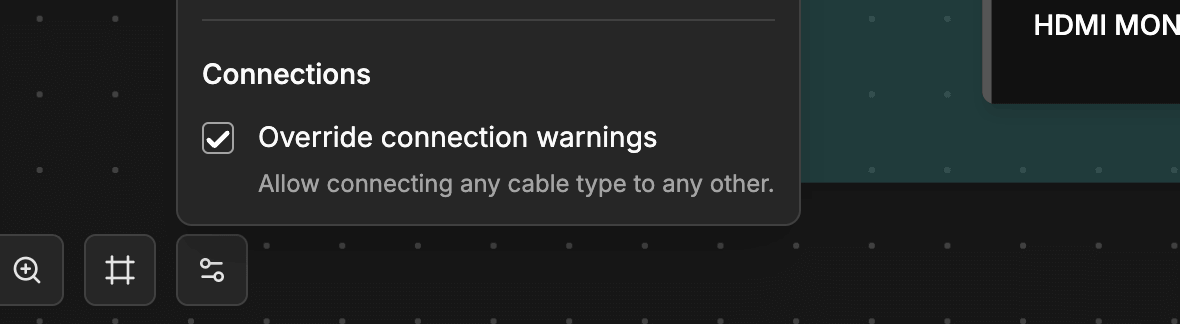
Now you can open the plan options and override this restriction, giving you full control to connect any input to any output regardless of type.
Reworked canvas interactions
Selecting, editing, and working with items on your plan canvas has been completely reworked. Shapes, Zones, Text Labels, and Gear all have improved visual cues, including updated cursors, tooltips, and hover/focus rings, so you always know exactly what you’re interacting with.
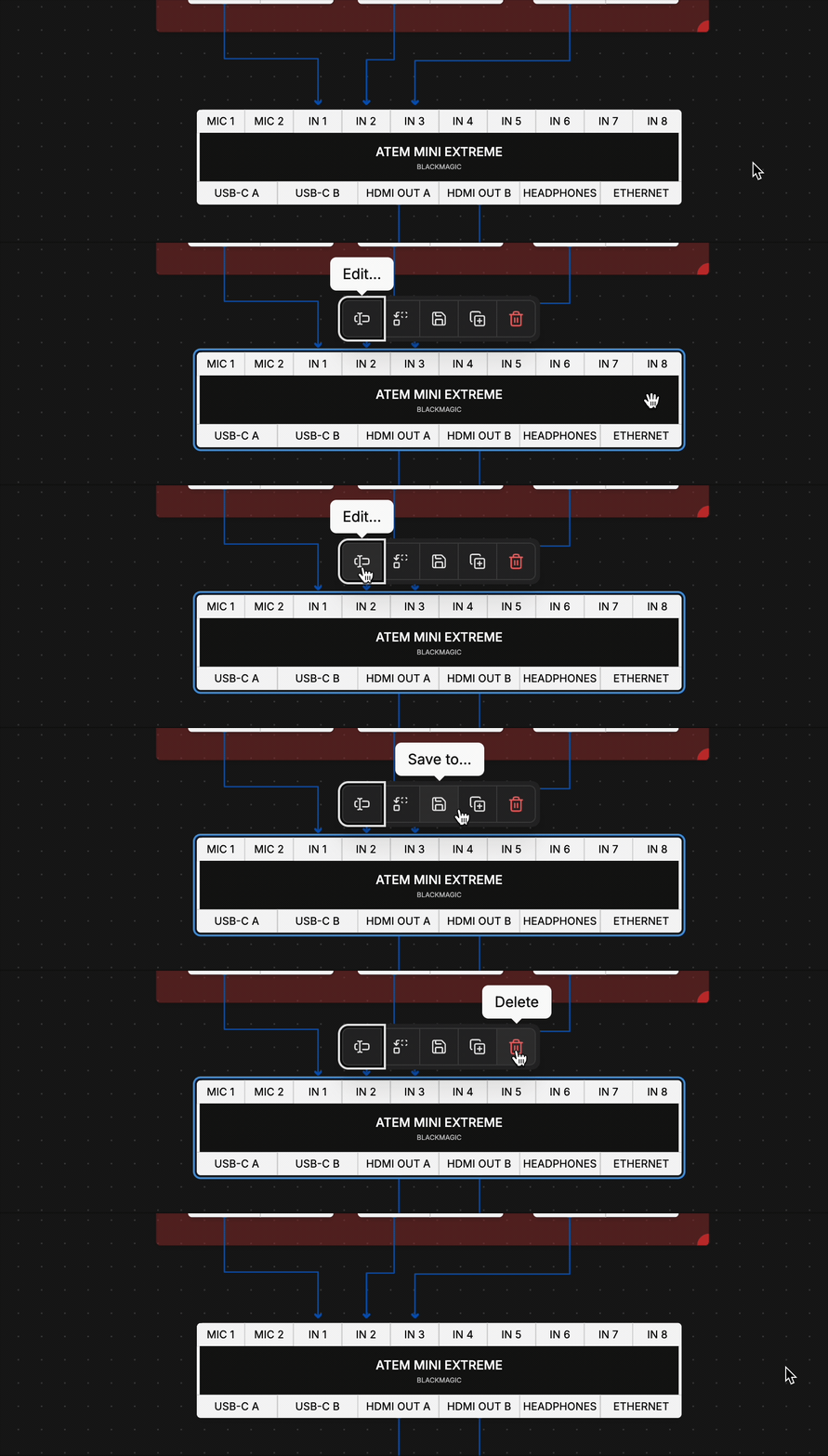
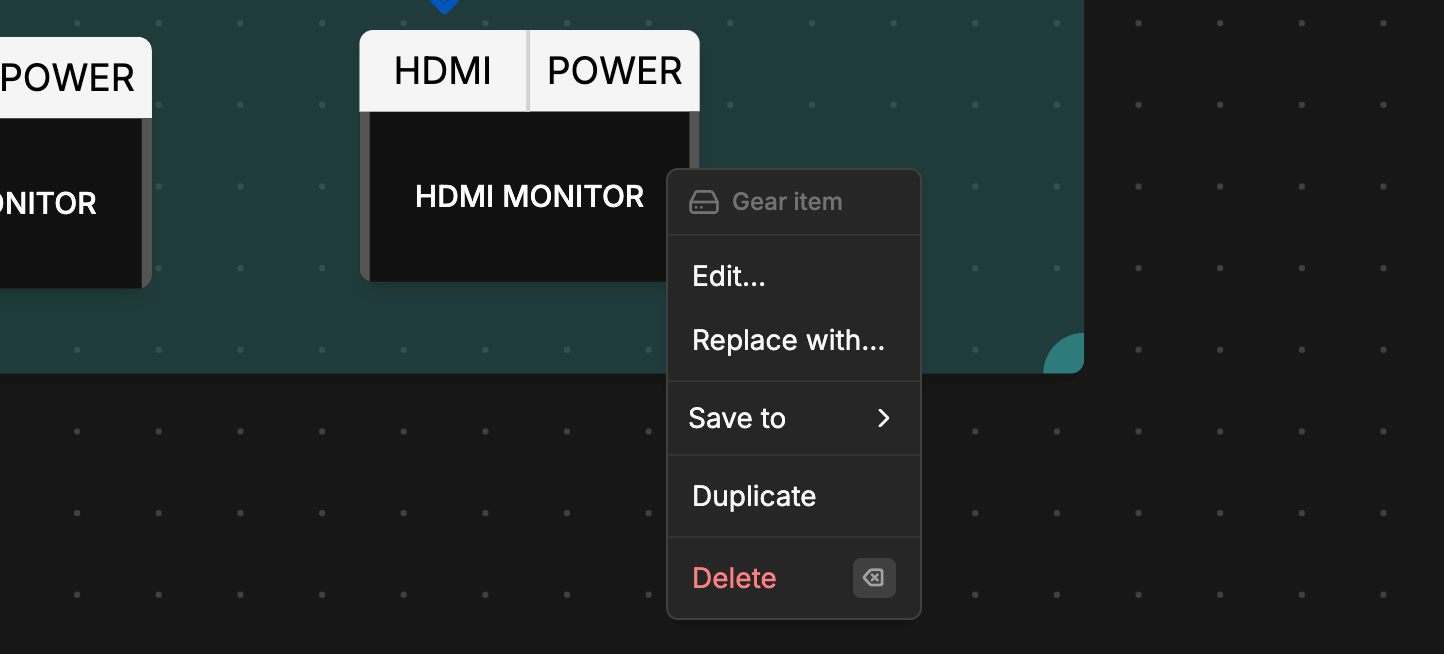
Right-clicking on items now opens a redesigned context menu with all the actions you need in one place.
Refreshed UI across the board
Every button, option, and setting across the plan experience has been re-considered. The result is a cleaner, more consistent interface that gets out of your way.

Canvas backgrounds
You can now show Dots or Squares on the background of your plan. This gives you a better visual reference for scale and placement when positioning items.

Keyboard shortcuts for everything
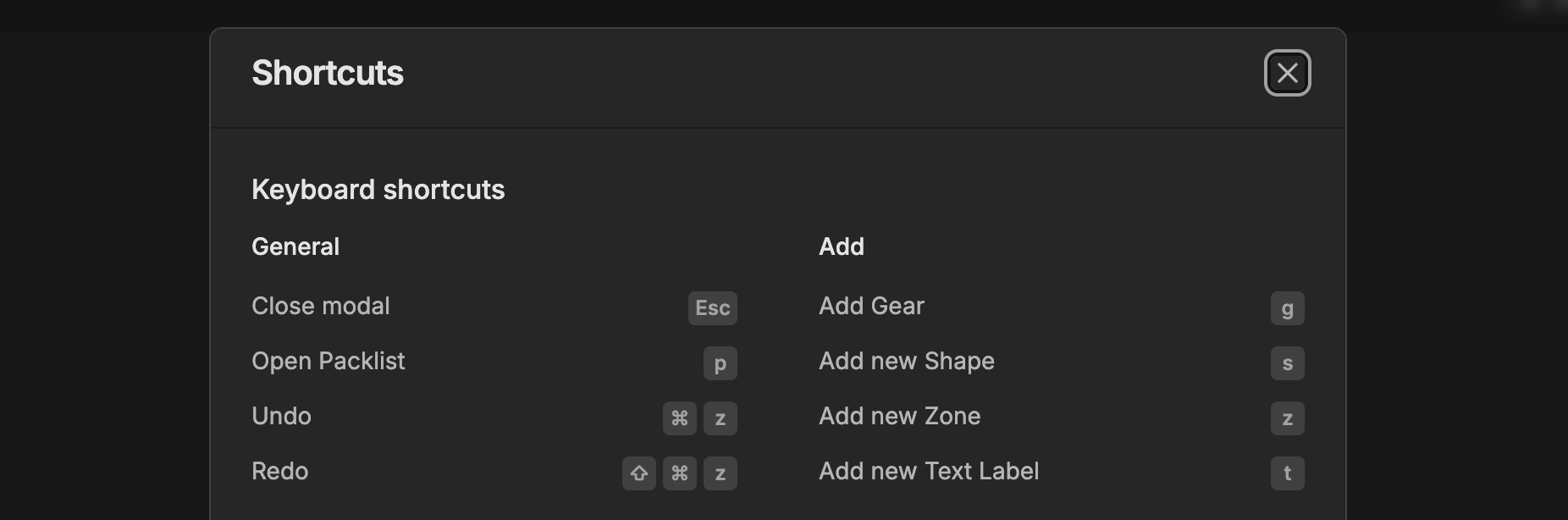
Keyboard shortcuts have been extended to support adding all types of items. Power users can now build out their plans without reaching for the mouse.
Packlist and Patches
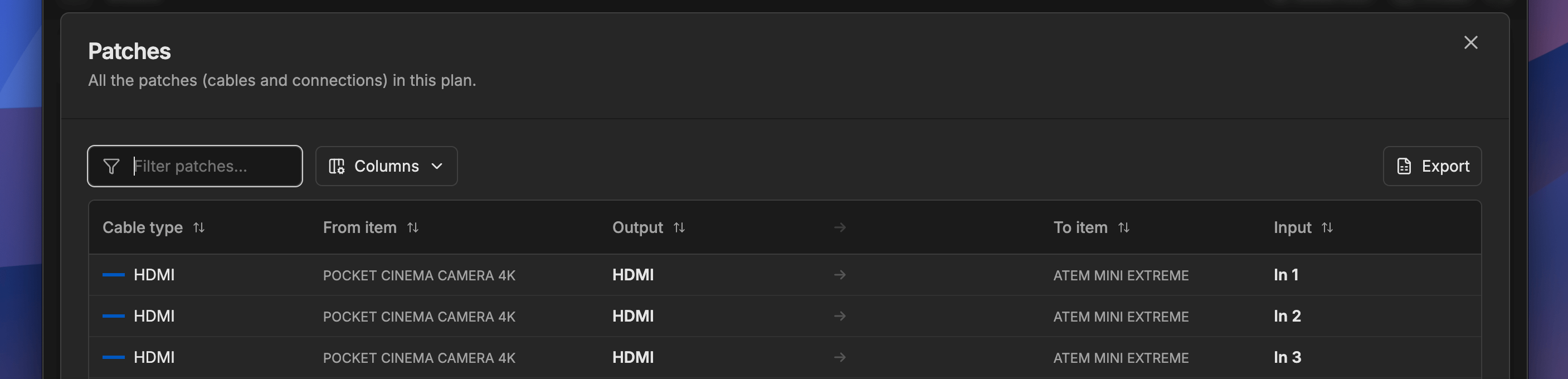
The Packlist and Patches section (formerly known as Patchlist) has been reworked for clarity. The layout is easier to read, and CSV exporting has been improved so you can take your data wherever you need it.
Duplicate items
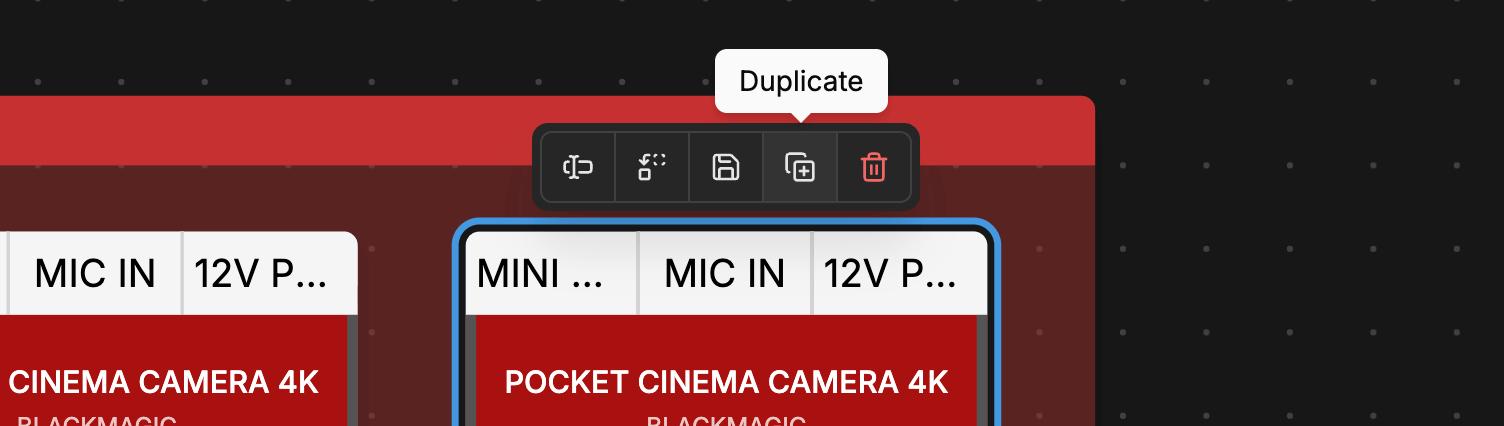
Shapes, Zones, and Text Labels can now be duplicated directly from the toolbar. No more recreating items from scratch when you need a copy.
Performance improvements
Under the hood, the plan engine has been redesigned with performance as the priority. Whether your plan has a handful of items or hundreds, everything should feel smooth and responsive.