New in H2R Gear v2.13
Draw the room around your gear with new shapes, symbols and a drawing toolbar.
Read more →New in H2R Gear v2.13
Draw the room around your gear with new shapes, symbols and a drawing toolbar.
Read more →By John Barker • 29 December 2022
We’ve packed some really nice tweaks and improvements into this one.
We’ve had cable labels for a long time now in the app, but they’ve been much too hidden to be used. Now, all cables get labels by default.
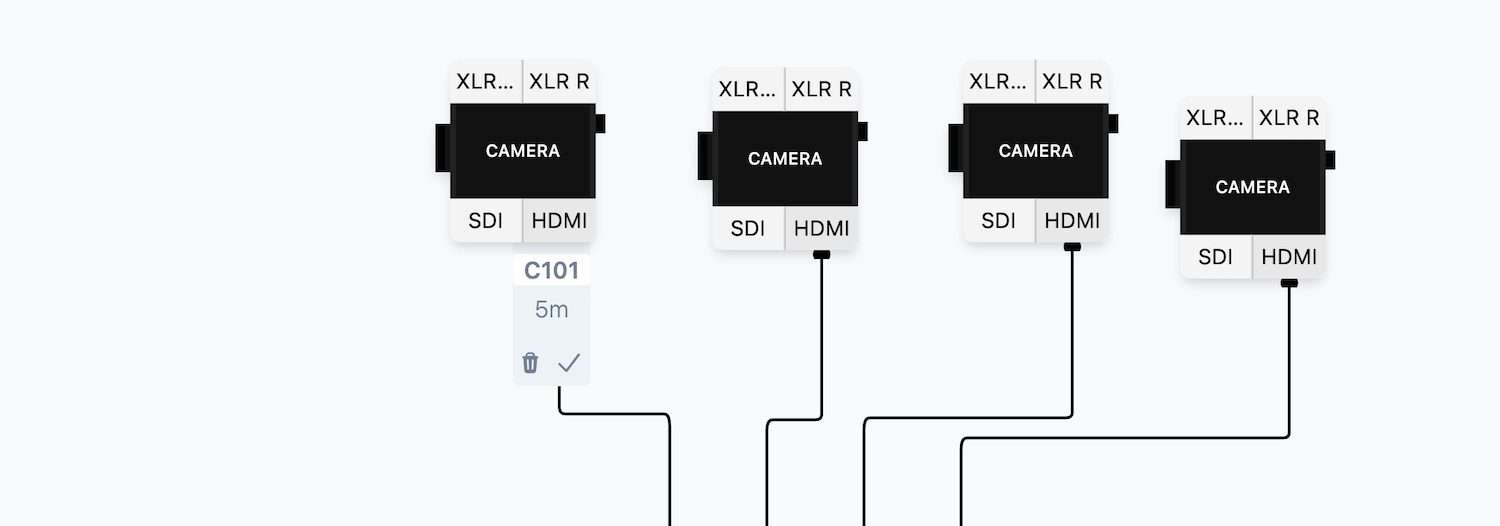
Labels allow you to specify a length and ID to each cable, and these even show up on Packlist too.
With this release, you can easily export and use your Packlist in other tools and apps.
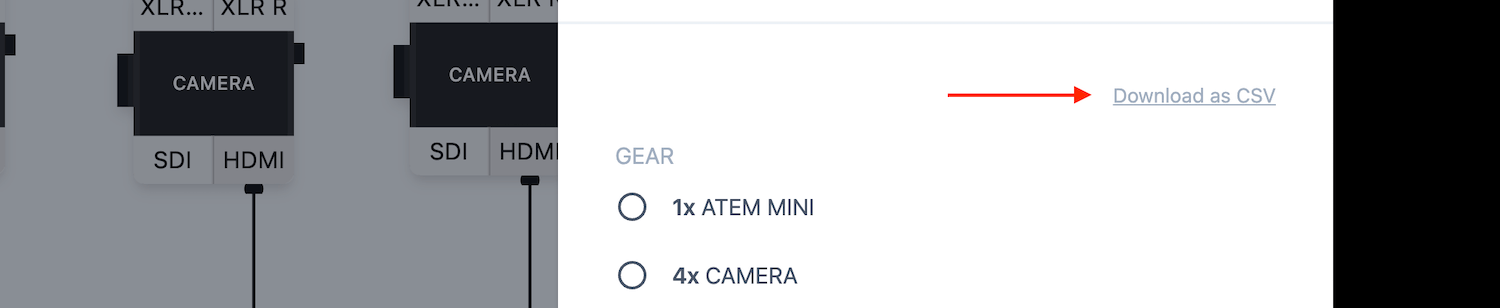
Use the “Download as CSV” option at the top of your Packlist to download it.
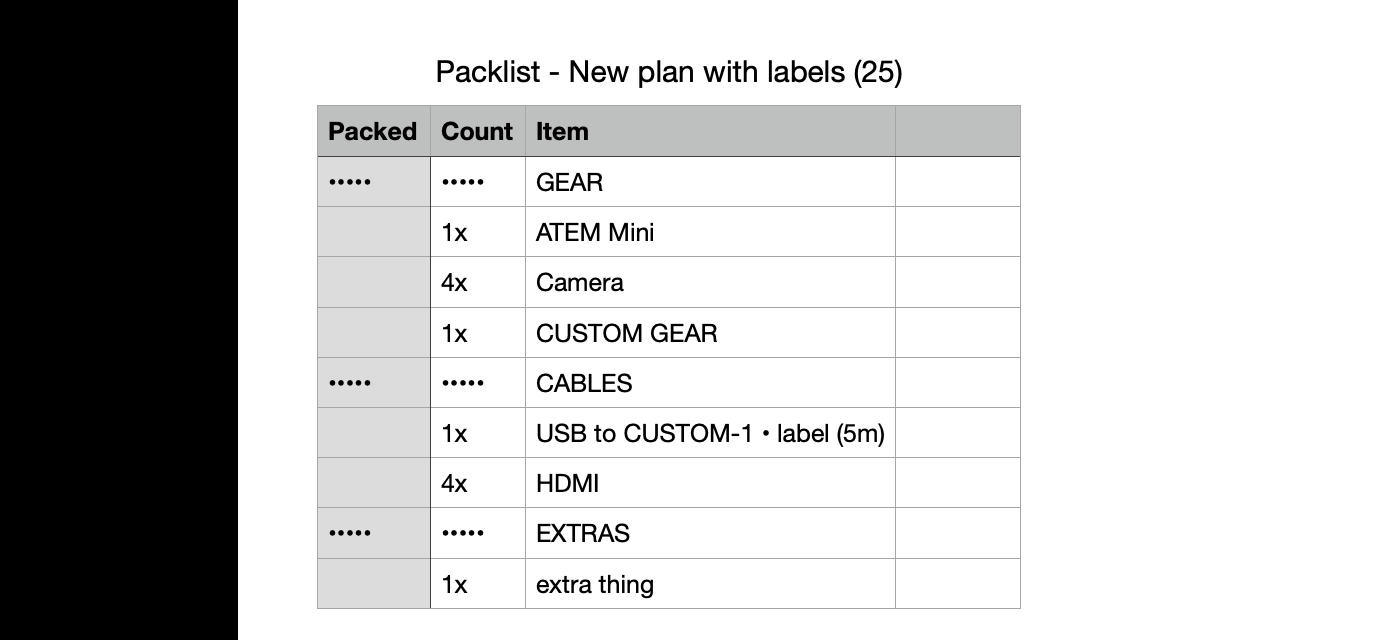
Then you can open it in Excel or Numbers and use it wherever you want.
Lots of users have asked for more custom ways to add cables and connections.
We have just added 5 new Custom Cables to the app so that you can delve in deep to a custom solution that works for you.
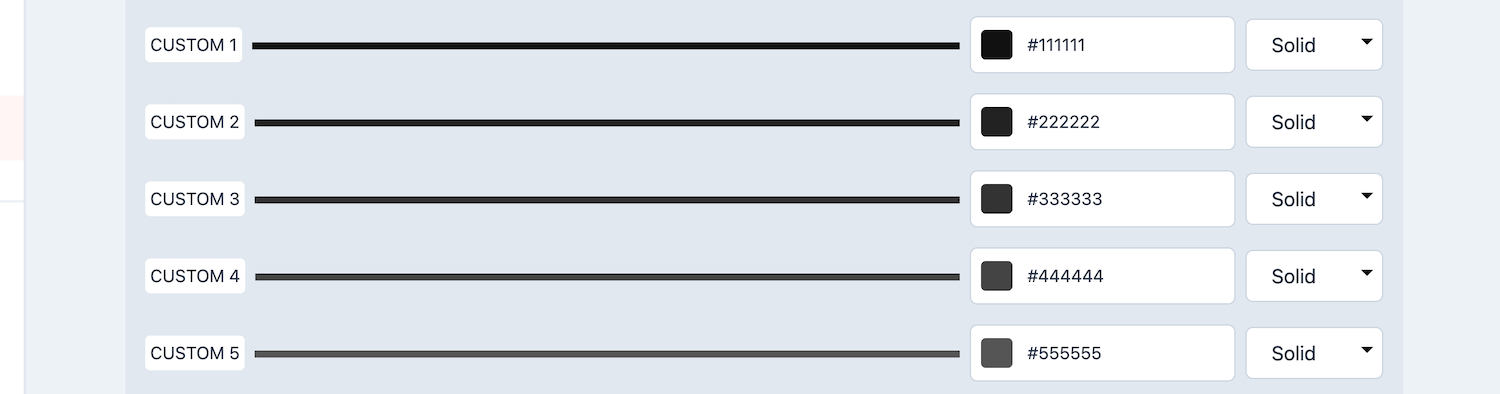
Update your Custom Cables in the settings area and use then on any gear item that you build in the future.
Read the full breakdown on our changelog here.
Ready to get organised?
Start using H2R Gear to plan your next setup.
Get H2R Gear product updates
New features, templates and tips, straight to your inbox.
No spam. Unsubscribe any time.