New in H2R Gear v2.13
Draw the room around your gear with new shapes, symbols and a drawing toolbar.
Read more →New in H2R Gear v2.13
Draw the room around your gear with new shapes, symbols and a drawing toolbar.
Read more →By John Barker • 20 September 2023
In this latest update, we’re thrilled to introduce significant speed improvements to our application, especially when it comes to building and interacting with plans.
We understand the importance of a smooth and efficient user experience, and these enhancements will ensure that you can accomplish your tasks with even greater ease and speed.
We’ve listened to your feedback and have added a fantastic new feature: zoom functionality.
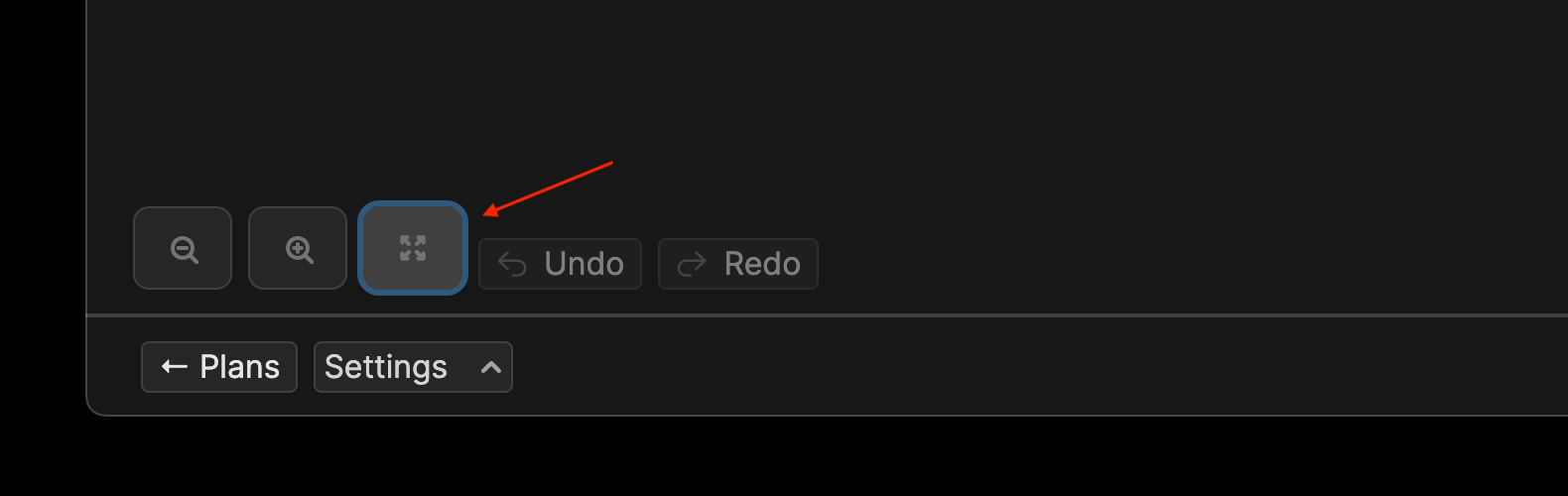
Now, when working on a plan, you can use the “fit all” button to fit all the items on your screen. This makes taking an overall look at your plan is super easy.
Understanding cable connections is a crucial part of planning, and we’ve made it even simpler with the introduction of the cable key in the /plan section.
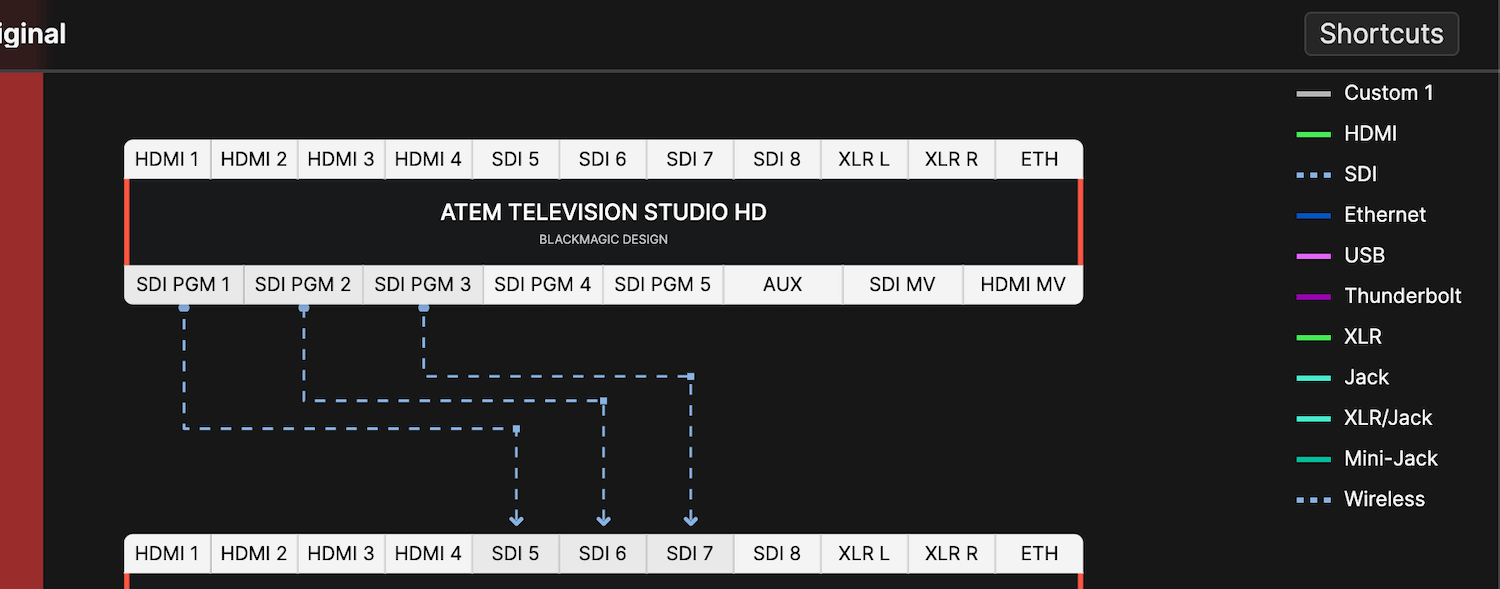
This feature provides a clear and concise overview of cable configurations, making your planning process more straightforward and intuitive.
To give you more control over the layout of your plans, we’ve introduced two new alignment options: “Align to Top” and “Align to Left.” These options allow you to precisely position items on your plans, ensuring that your projects are organized exactly as you envision them.
We believe that ease of use is paramount, which is why we’ve now made it even more convenient for you. On the Settings page, you will now find your email and name prominently displayed for easy reference. This small yet thoughtful enhancement simplifies managing your account details.
Personalization and flexibility are key, and with this update, you can now shape items on your plans.
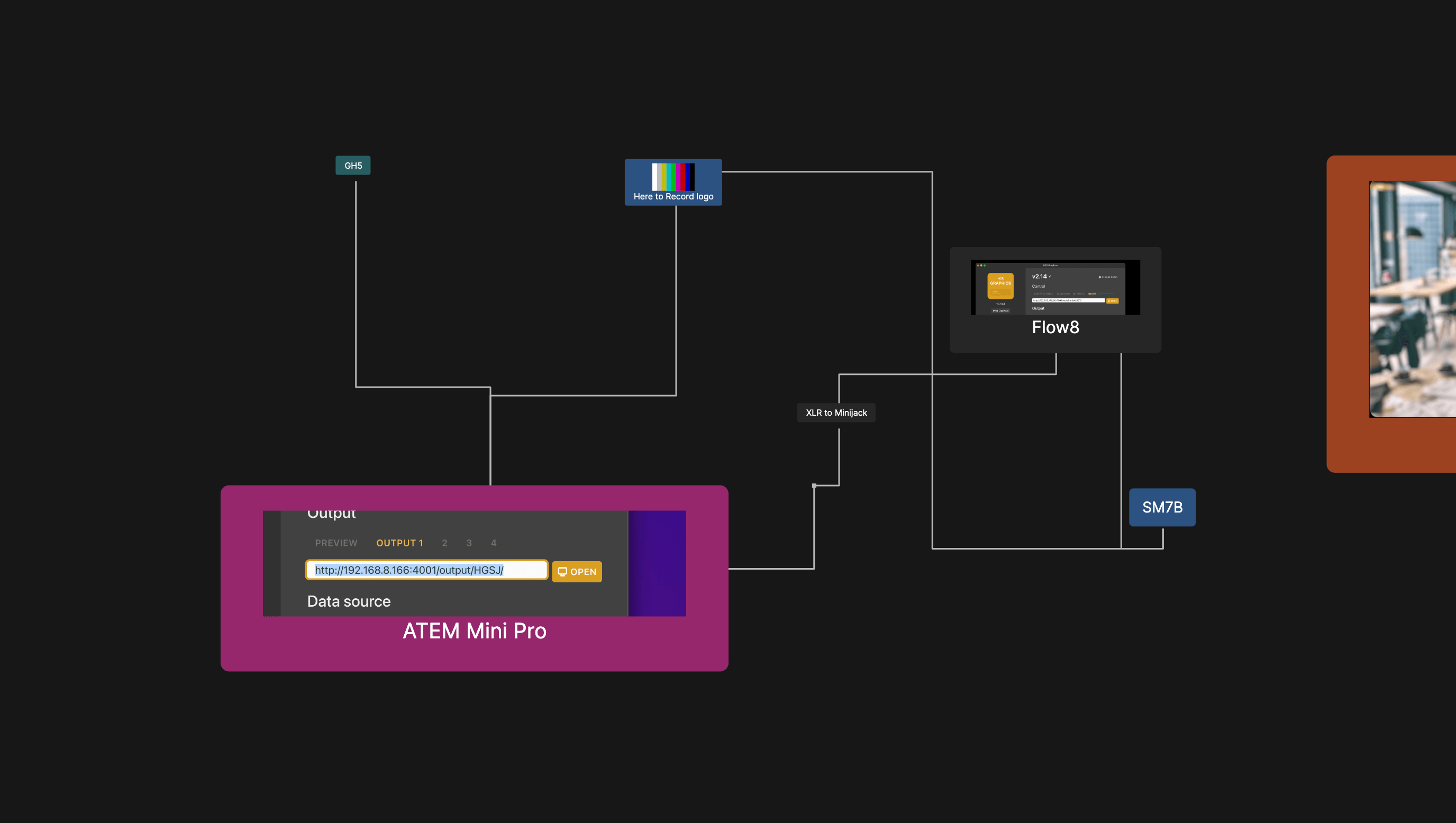
Whether you need to create custom designs or specific arrangements, this feature empowers you to craft your plans to perfection.
Read the full breakdown on our changelog here.
Ready to get organised?
Start using H2R Gear to plan your next setup.
Get H2R Gear product updates
New features, templates and tips, straight to your inbox.
No spam. Unsubscribe any time.